
Product videos from one product photo
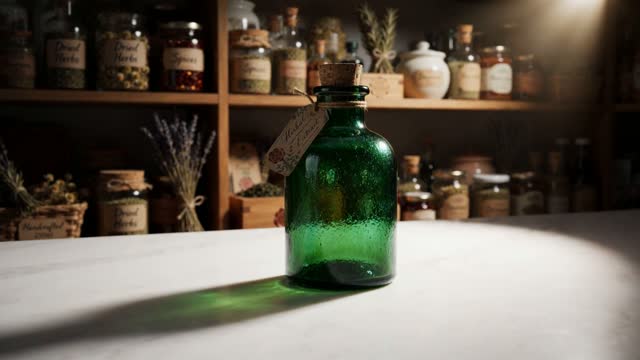
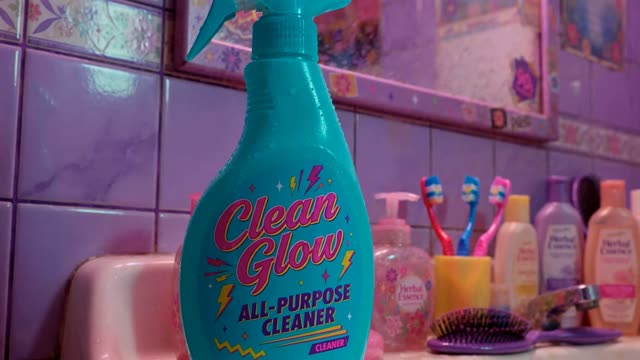
Upload the product photo and pick a format. Reveals, floats, pours and pops come out with your real label on screen.

How it works
- Upload the productA clean photo on a plain background works best.
- Pick the shotReveal, float, spin, pour, pop or a styled scene.
- Add a lineOptional spoken line and a sale card.
- RenderSquare, vertical or widescreen.
Examples
Open any of these in the studio to make your own version.



AI product video generator: what to know
Hero shots without a studio day
A product film used to need a set, lights and a turntable. Most e-commerce video is a few repeatable shots: the reveal, the hero turn, the detail close-up, the use. Those render from one photo.
Keep the label right
Because your product photo goes with the shot, the packaging stays yours. Keep text-heavy labels large in frame and use the reveal formats, which hold the product steady.
Where to use them
Product pages, marketplace listings, paid social, email headers and launch posts.
Questions
What photo works best?
A sharp, evenly lit photo of the product on a plain background.
Can I add a price or offer?
Yes. Add a sale card or price card as an end frame.
Which aspect ratios are available?
9:16, 1:1, 4:5 and 16:9.
Can a person hold the product?
Yes. Use the UGC studio for product-in-hand shots with a character.