
Explainer videos where every label is right
Type a topic or paste a script. ClickPop animates the diagrams and labels in code, adds narration and captions, and exports widescreen or vertical.
How it works
- Give it the topicA question, a process or a full script.
- Approve the outlineThe beats, the on-screen labels and the narration, before any credits are spent.
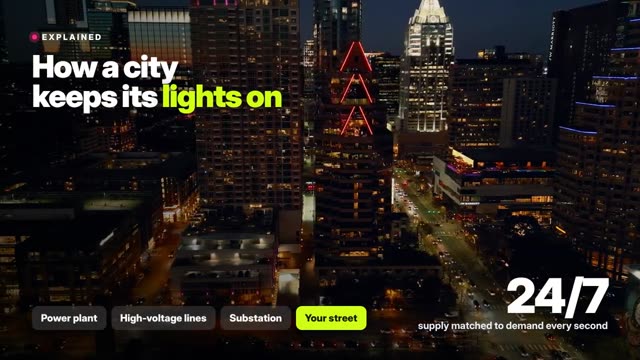
- Pick a styleClean diagram, documentary footage with callouts, or bold flat colour.
- RenderNarration, captions and animation in one file, 16:9 or 9:16.
Examples
Open any of these in the studio to make your own version.
AI explainer video maker: what to know
Why video models can't write labels
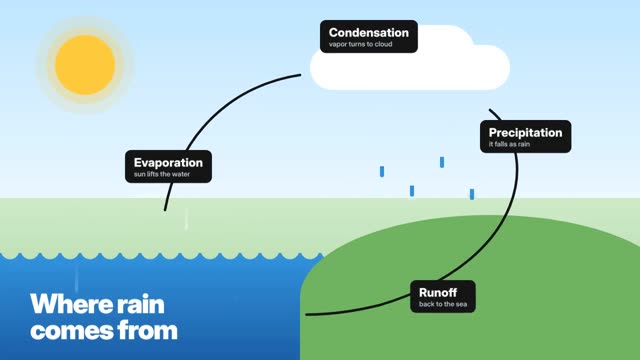
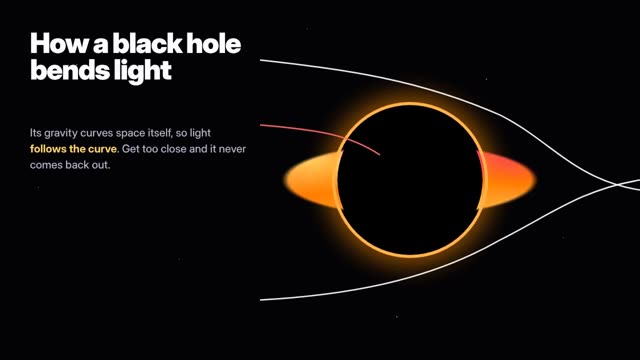
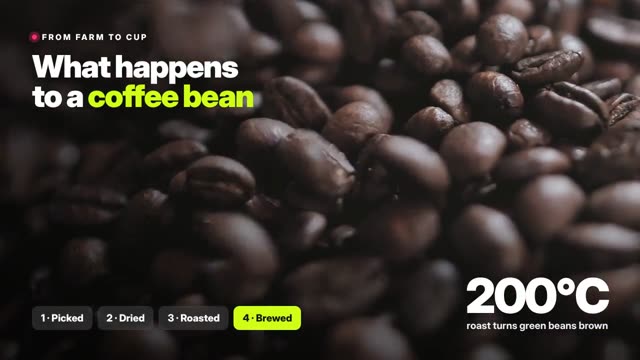
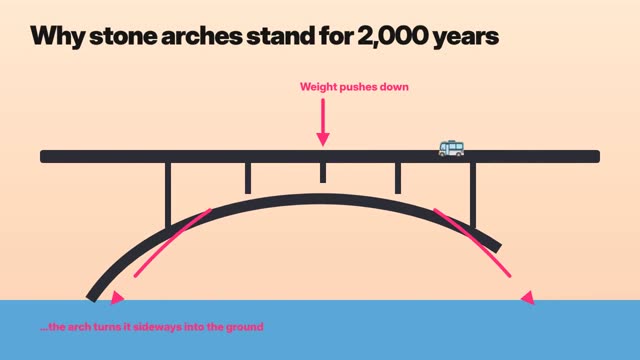
Ask a video model to draw a diagram and you get something that looks like a diagram with nonsense text. ClickPop doesn't ask it to. Explainers are built from scene templates and animated in code, so every label, number and arrow is exactly what's in your script.
What makes a good explainer
One idea per scene, a visual that does the explaining, and narration that never reads out what's already on screen. Open with the question, build the answer in three to five steps, and close on the one thing to remember.
Where explainers work
YouTube and Shorts education channels, product onboarding, sales enablement, internal training and science communication. Because the text is exact, they're safe for anything where accuracy matters.
Questions
Do I need to write a script?
No. Give it a topic and ClickPop drafts the outline and narration for you to edit.
Can I use my own numbers?
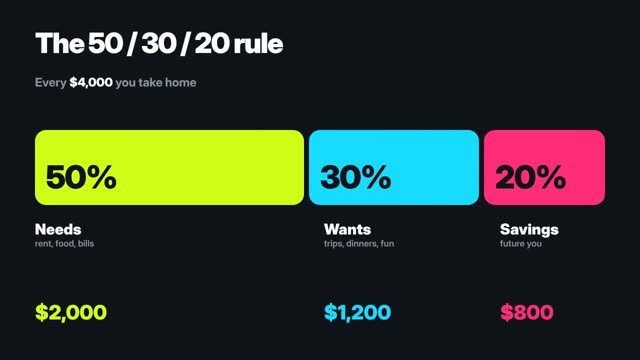
Yes. Every number and label comes from your script and is drawn exactly.
What formats can I export?
Widescreen 16:9 for YouTube and presentations, vertical 9:16 for Shorts, Reels and TikTok.
Is there a voiceover?
Yes, narration and captions are included, and you can swap the voice.