
Motion graphics without After Effects
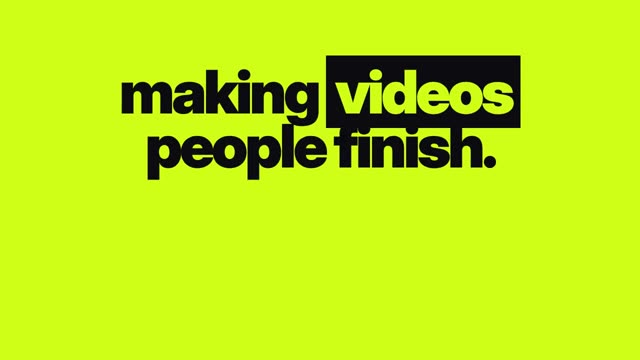
Type the words, pick a style. Kinetic type, logo reveals, lower thirds and price cards come out clean and on brand, ready to drop into any edit.
How it works
- Write the copyA title, a quote, a price, a list or a set of dates.
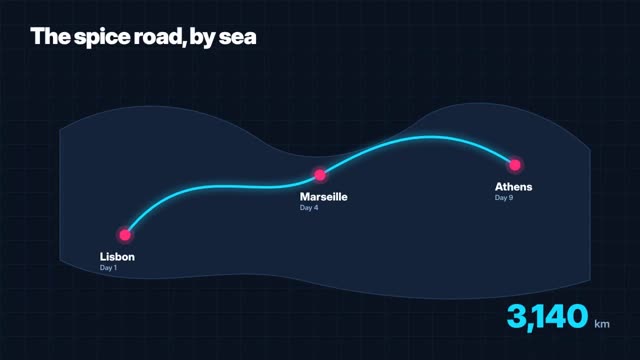
- Choose the templateKinetic type, logo sting, lower third, price card, map route, timeline and more.
- Brand itColours and type that match your brand.
- ExportDrop it into the Clip Editor or download it for your own edit.
Examples
Open any of these in the studio to make your own version.

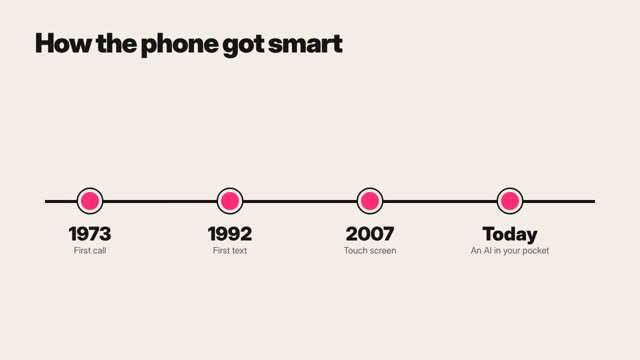
AI motion graphics generator: what to know
Fast, clean, on brand
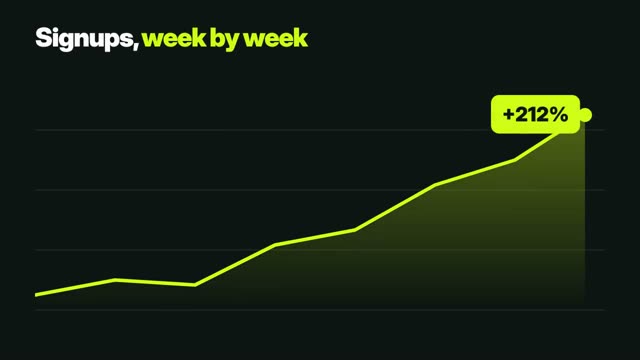
Motion graphics used to mean a designer and a day in After Effects. Most of what social video needs, though, is a handful of patterns done well: titles that move, a name strap, a price that pops, a route on a map. ClickPop has them as templates you fill with your copy.
Exact type every time
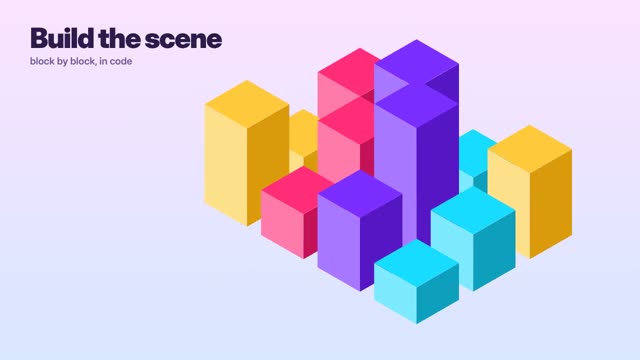
Like explainers and infographics, motion graphics are animated in code. Spelling, kerning and numbers come out exactly as typed, which video models still can't promise.
Pair it with live footage
Lay a lower third over a talking-head clip, open an ad with a logo sting, or end a short on a price card. The Clip Editor puts them on the same timeline as your generated video.
Questions
Can I add my logo?
Yes. Logo stings and end cards use your uploaded logo.
Are the fonts editable?
You pick from the template's type styles and set your brand colours.
Can I use them in another editor?
Yes. Download the rendered file and use it anywhere.
Do motion graphics cost as much as AI video?
No. They're rendered in code rather than by a video model, so they cost far fewer credits.