
Video ads you can test by the dozen
Load your brand kit and offer once. Ad Studio cuts a set of variants around it so each test changes one thing, not the whole ad.
How it works
- Load the brand kitLogo, colours, product photos and the offer.
- Pick the hooksProblem, proof, offer and curiosity openings, written for your product.
- Render the setEvery variant uses the same character and product, so the test is clean.
- Export for paid socialVertical and square cuts with captions and an end card.
Examples
Open any of these in the studio to make your own version.
AI video ad generator: what to know
Creative is the lever
On today's ad platforms, targeting is largely automated and creative does most of the work. The teams that win ship more variants and learn faster. AI video makes the variants cheap; ClickPop makes them consistent, so you can tell which idea won rather than which face did.
What a good variant set looks like
Keep the product, character and offer fixed. Change the first two seconds. A problem hook, a proof hook, a curiosity hook and an offer-first hook give you four distinct reads on what your audience responds to.
Product films and promos
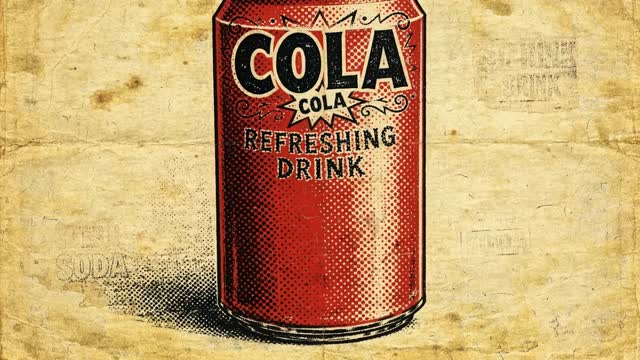
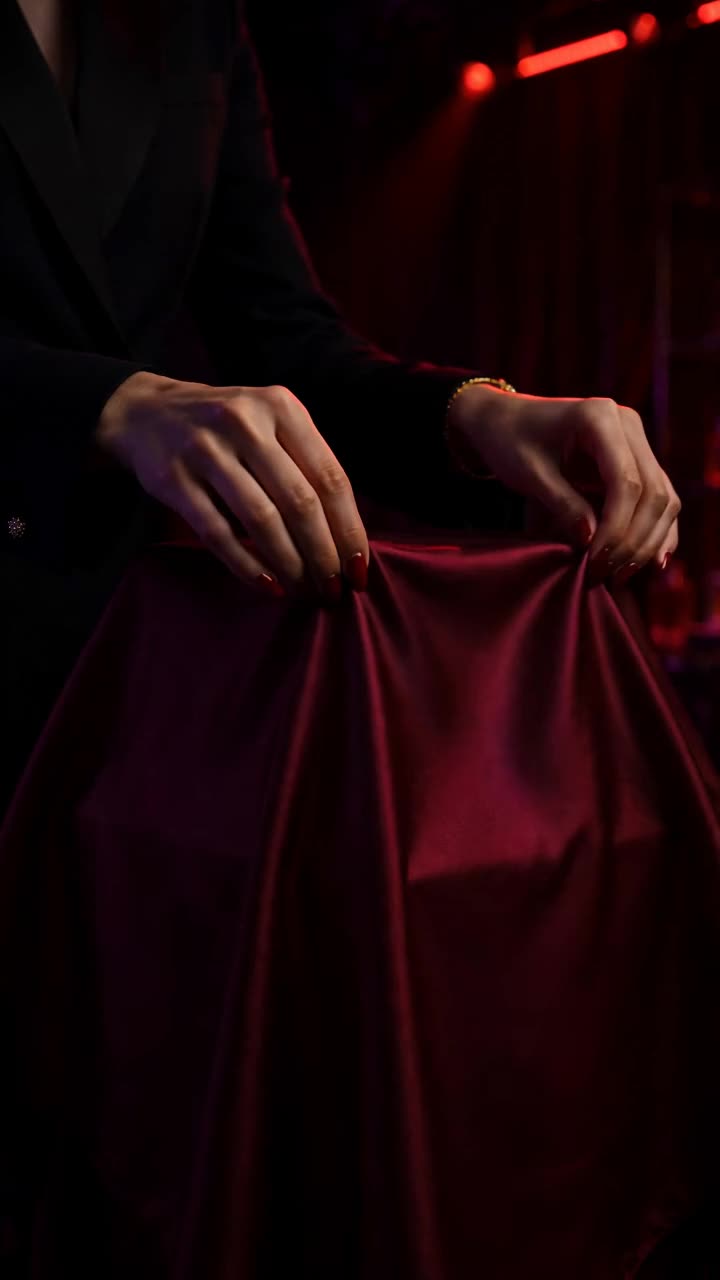
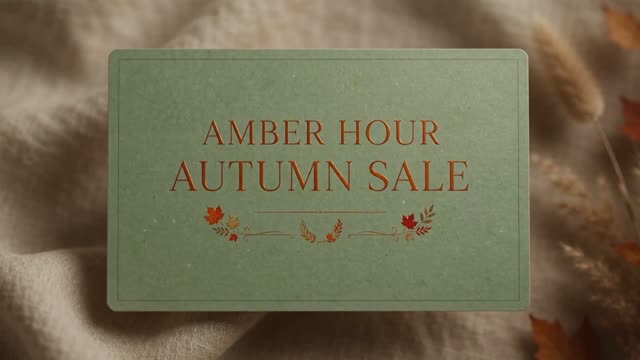
Not every ad needs a person. Product reveals, light sweeps, can pops and kinetic sale cards are some of the most reliable formats for e-commerce, and they render quickly.
Questions
Can I add my logo?
Yes. Add a logo card at the start or end with fade, slide, pop, wipe or sting transitions.
Which model is best for ads?
Seedance 2.0 is a reliable default with sound. Use Veo 3.1 for a 1080p hero shot and Seedance 2.0 Fast for high-volume tests.
Can I make ads without a person?
Yes. Product reveals, promos and motion-graphics ads don't need a character at all.
How many variants should I test?
Three to five per concept is a good start. Change only the hook so you can read the result.