
Edit a video by saying what should change
Upload a clip and describe the change. Edit Video keeps your motion and timing and changes only what you asked for.
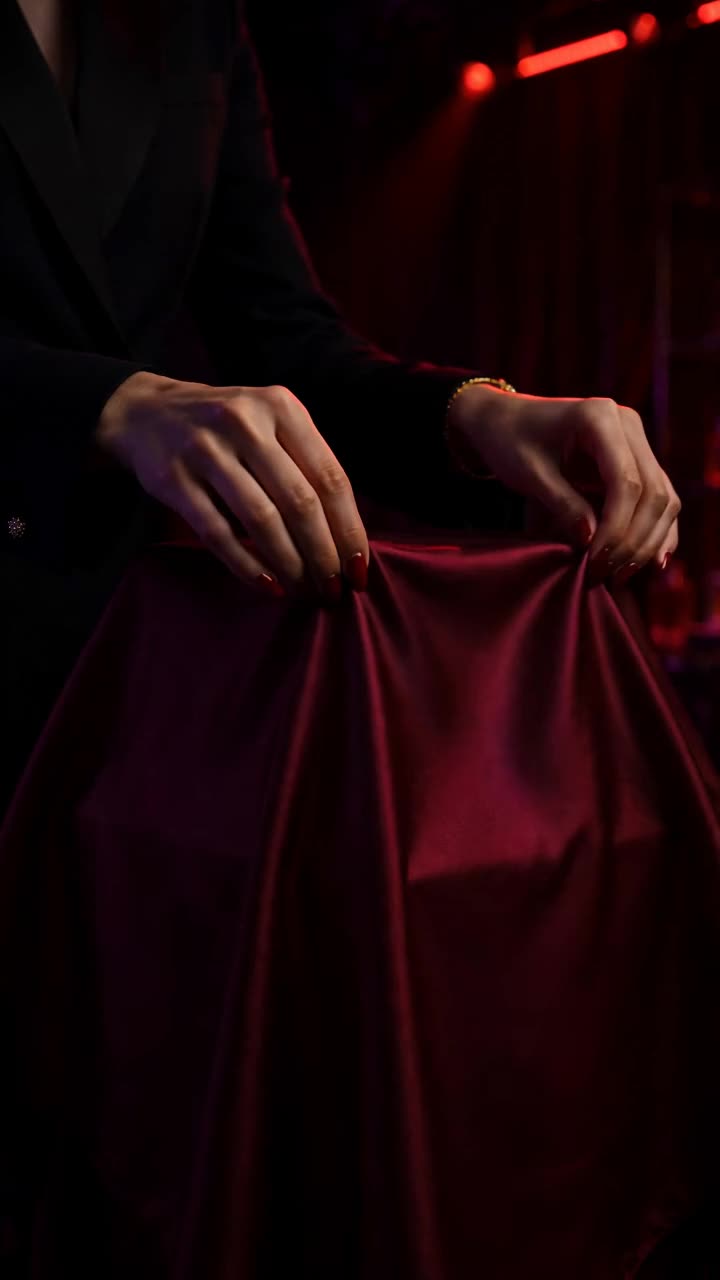
How it works
- Upload the clipUp to 30 seconds.
- Describe the change'Make it night', 'turn the jacket red', 'watercolour style'.
- Add referencesOptional images for a new outfit, product or style.
- RenderSame clip, new look.
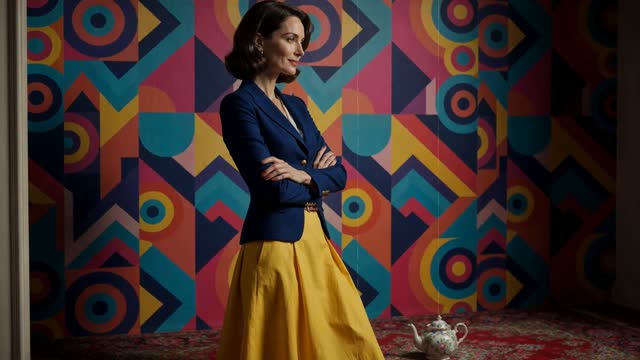
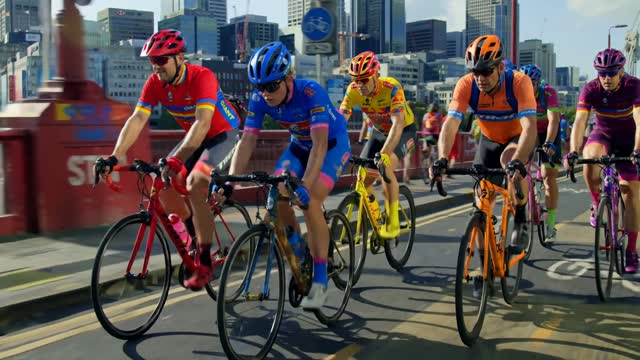
Examples
Open any of these in the studio to make your own version.

AI video editor: what to know
Prompt-based editing
Traditional editing changes when things happen. AI video editing changes what's in the frame: the light, the season, the style, a prop or a costume, without reshooting.
Models built for editing
Only some models accept a video to edit. ClickPop lists those in the Edit tab: FLUX Video Edit, which handles real people and keeps your clip's length, plus Runway Aleph 2 and the Seedance family for stylised edits.
Combine with the timeline
Edit a shot, then trim it, add captions and a voiceover in the Clip Editor.
Questions
Can I edit a video with people in it?
Yes. FLUX Video Edit accepts footage of real people. Some other models refuse it.
Will it change the timing?
No. Edit models keep your clip's motion and timing.
What can I change?
Style, lighting, weather, time of day, wardrobe, colours and objects.
How long can the clip be?
Up to 30 seconds per edit.