
AI motion control explained: how to put your character in any move
What AI motion control (motion transfer) is, which models support it, how guardrails affect real-person photos, and how to get clean results.
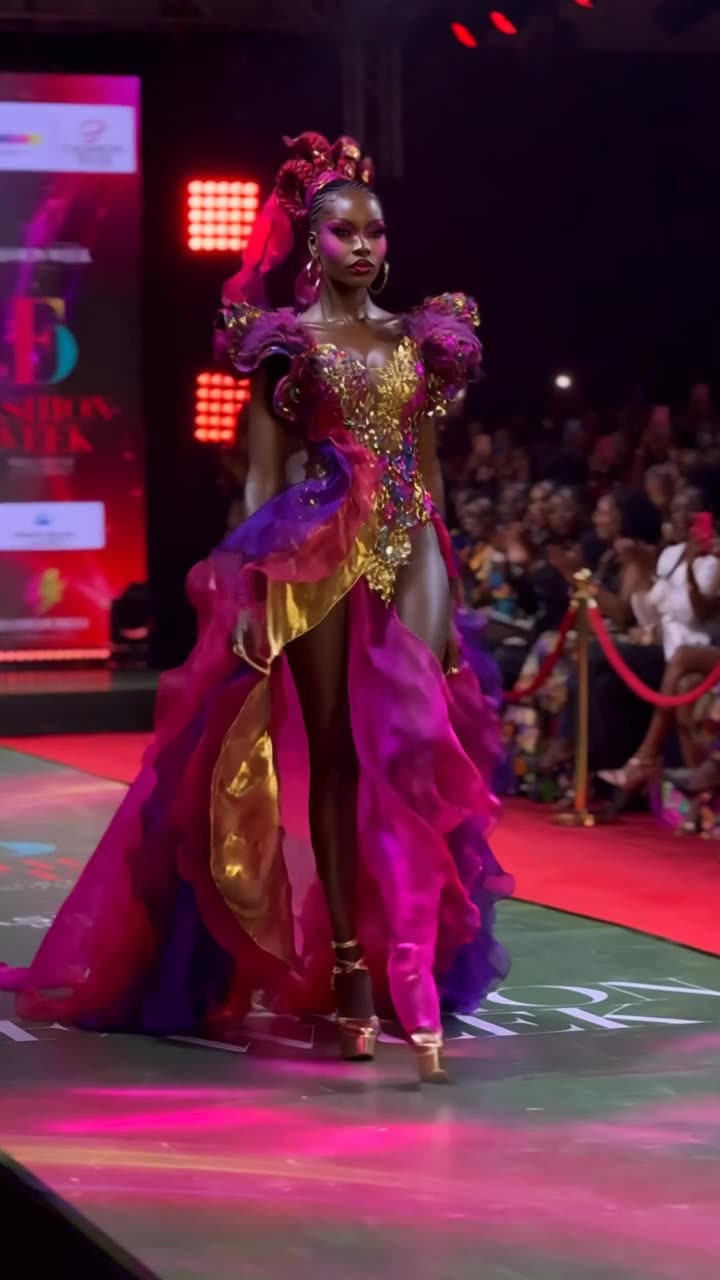
What it is
Motion control, or motion transfer, takes the movement from one video (a dance, a golf swing, a walk across a room) and applies it to a different subject from a photo. Your character keeps their face, hair and outfit while matching the reference's body motion, timing and camera.
Which models can do it
Only models that accept a video input can transfer motion. In ClickPop that includes the Seedance family (2.5, 2.0, 2.0 Fast and Mini) and Hailuo 3, and the Motion tab only lists models that accept a reference clip.
The real-person problem
Many models refuse a photo of a realistic person. In our tests the Seedance models rejected real-person photos, while Hailuo 3 accepted them and produced a convincing transfer at 2K. ClickPop routes around refusals automatically and never quietly renders without your photo.
Only use photos of yourself or people who've given permission. Never transfer motion onto a public figure.
Getting clean results
Use a reference clip where the whole body stays in frame and the camera isn't too shaky. Use a character photo that faces the camera in even light, ideally full-body if the motion is full-body. Similar framing between photo and clip gives the cleanest result.
Ideas that work
Trend dances on your AI influencer, product demos copied from a real creator's hand movements, sports technique on a mascot, and choreography for a music video starring your cast.