
Copy the moves from any clip onto your character
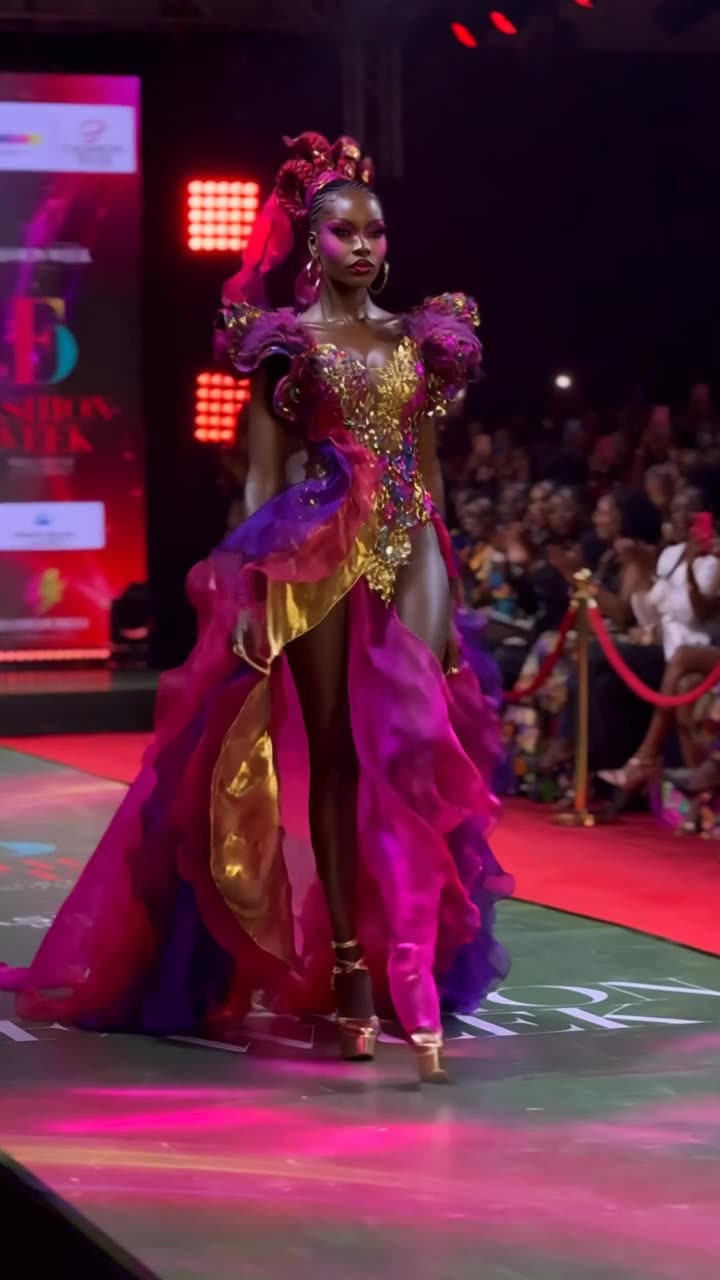
Upload a photo of your character and a reference clip. Your character performs the moves: dance, sport, gestures, the camera move and all.
How it works
- Add your characterA photo, or a saved character.
- Add the reference clipAny clip with the movement you want, up to 30 seconds.
- Pick the modelClickPop lists only models that accept a video reference.
- RenderYour character, their moves.
Examples
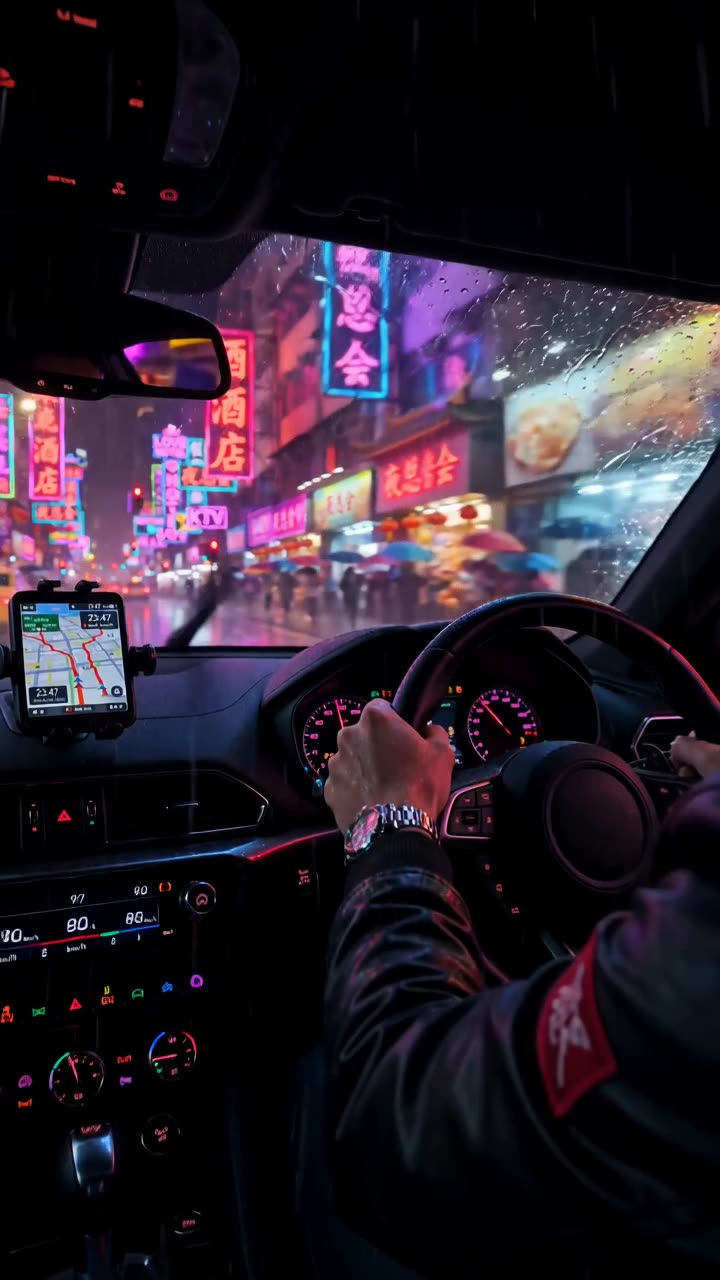
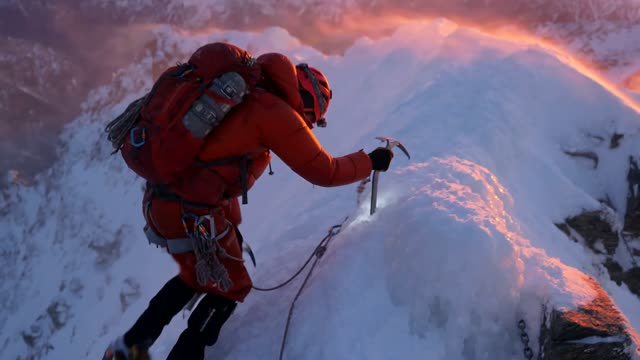
Open any of these in the studio to make your own version.
AI motion control: what to know
What motion control is
Motion control (also called motion transfer) takes the movement from one video and applies it to a different subject. The output keeps your character's face, hair and outfit while matching the reference's body motion, timing and camera.
Real people and guardrails
Some video models refuse photos of real people. ClickPop knows which ones do and routes the shot to a model that accepts it rather than failing or quietly dropping your photo. In our tests, Hailuo 3 handled real-person motion transfer well at 2K.
Tips for clean results
Use a reference where the full body stays in frame, a photo where your character faces the camera in even light, and similar framing between the two.
Questions
Which models support motion control?
Models that accept a video input: Seedance 2.5 and 2.0, Hailuo 3 and others. The Motion tab only lists those.
Can I use a photo of myself?
Yes. Use your own photo, or one you have permission to use.
How long can the clip be?
Up to 30 seconds of reference video, depending on the model.
Does it copy the camera move?
Yes. Camera movement in the reference carries over along with the body motion.