
Technology
The studios behind every ClickPop video
Vibe Direct, Character Swap, Dreamstage and Film Studio are built by ClickPop and run on top of every model in the menu. These 44 previews were made with them.
Dreamstage3DVibe DirectVFXFilm StudioCINESynapseAI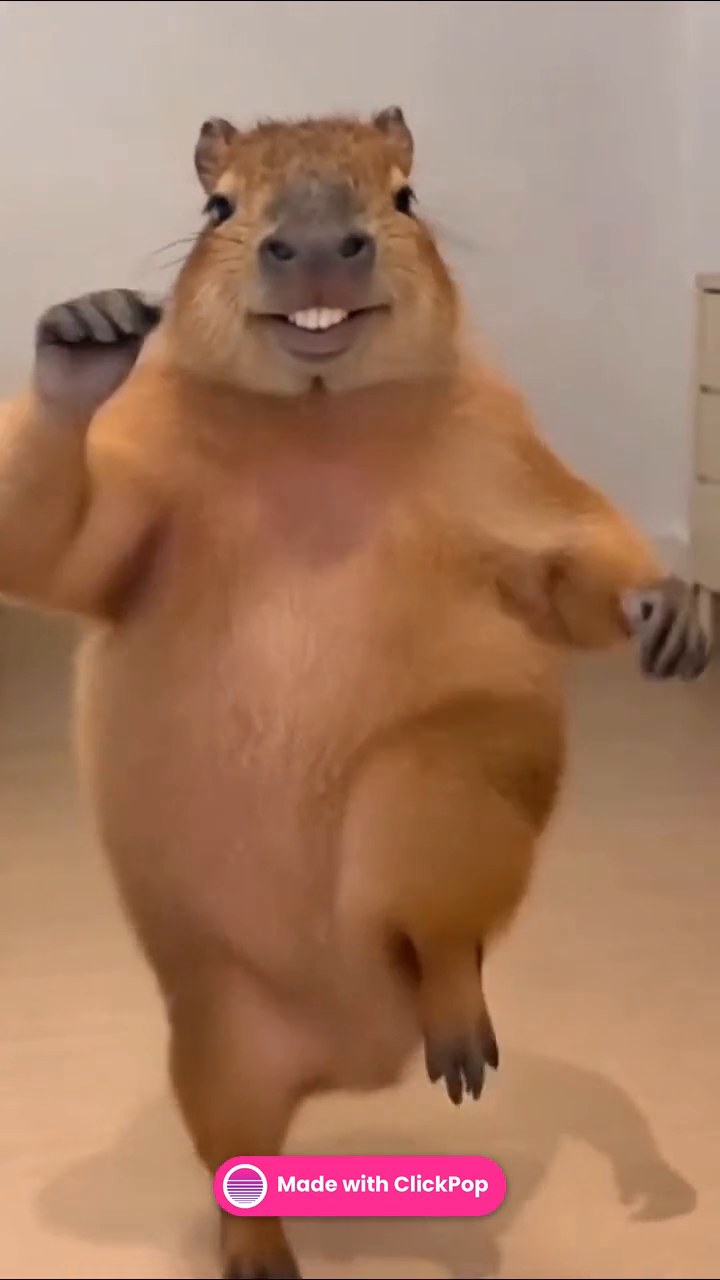

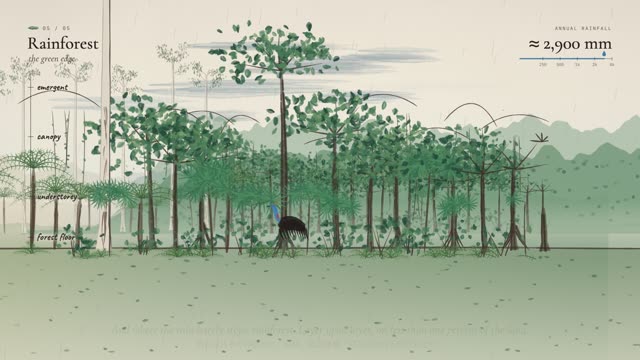

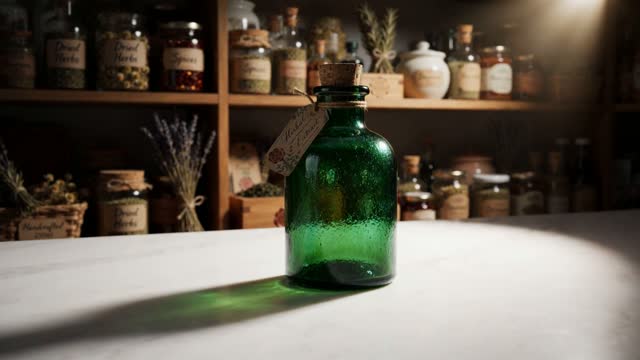
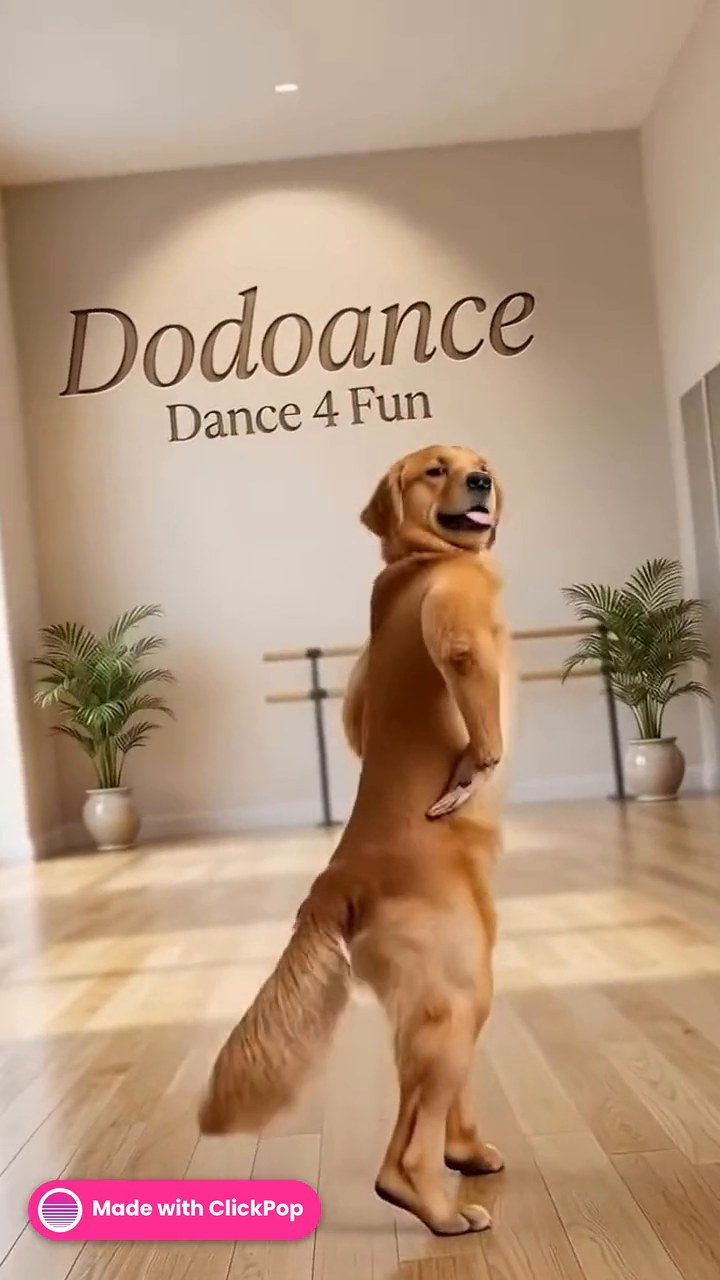
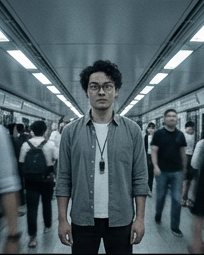
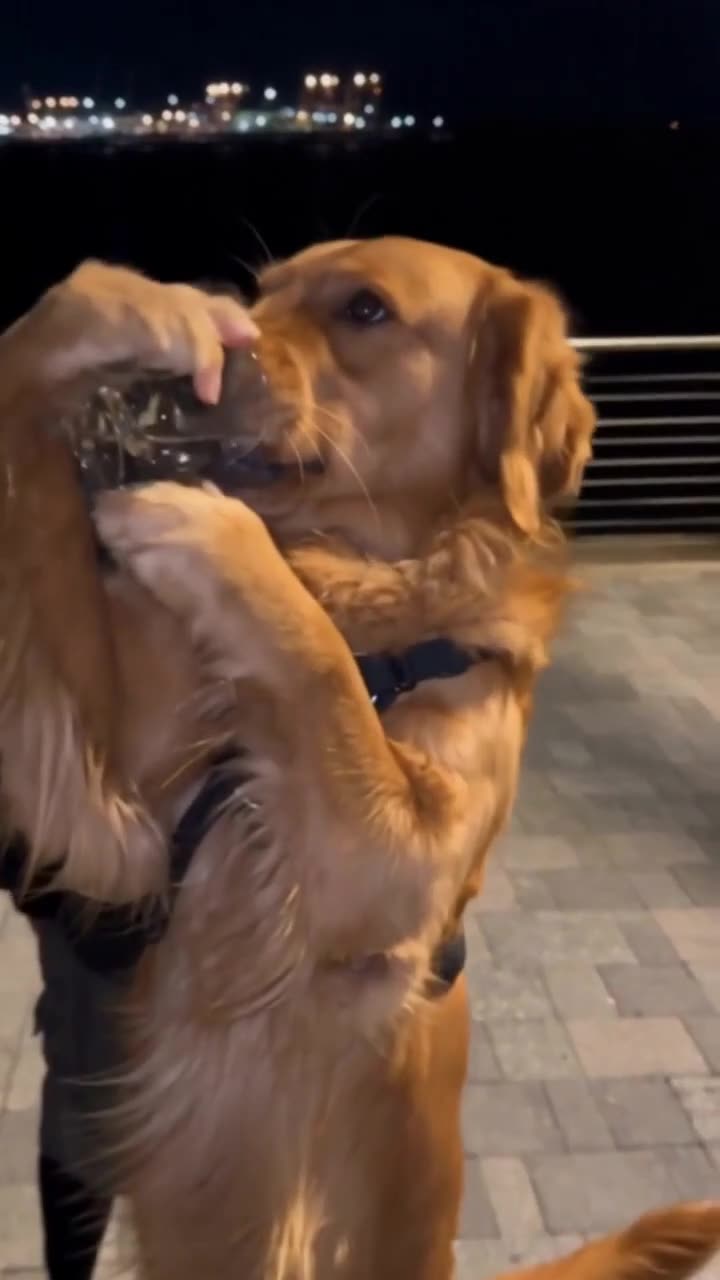
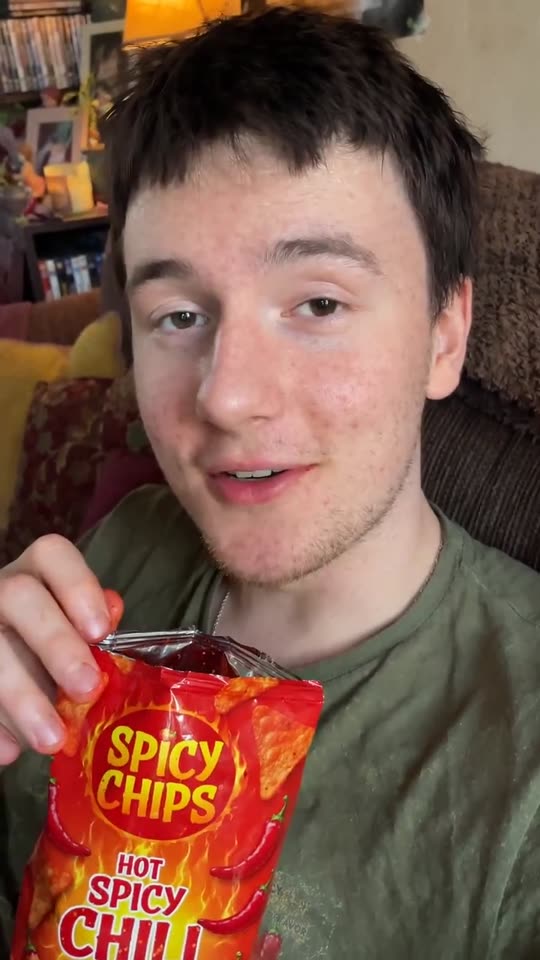
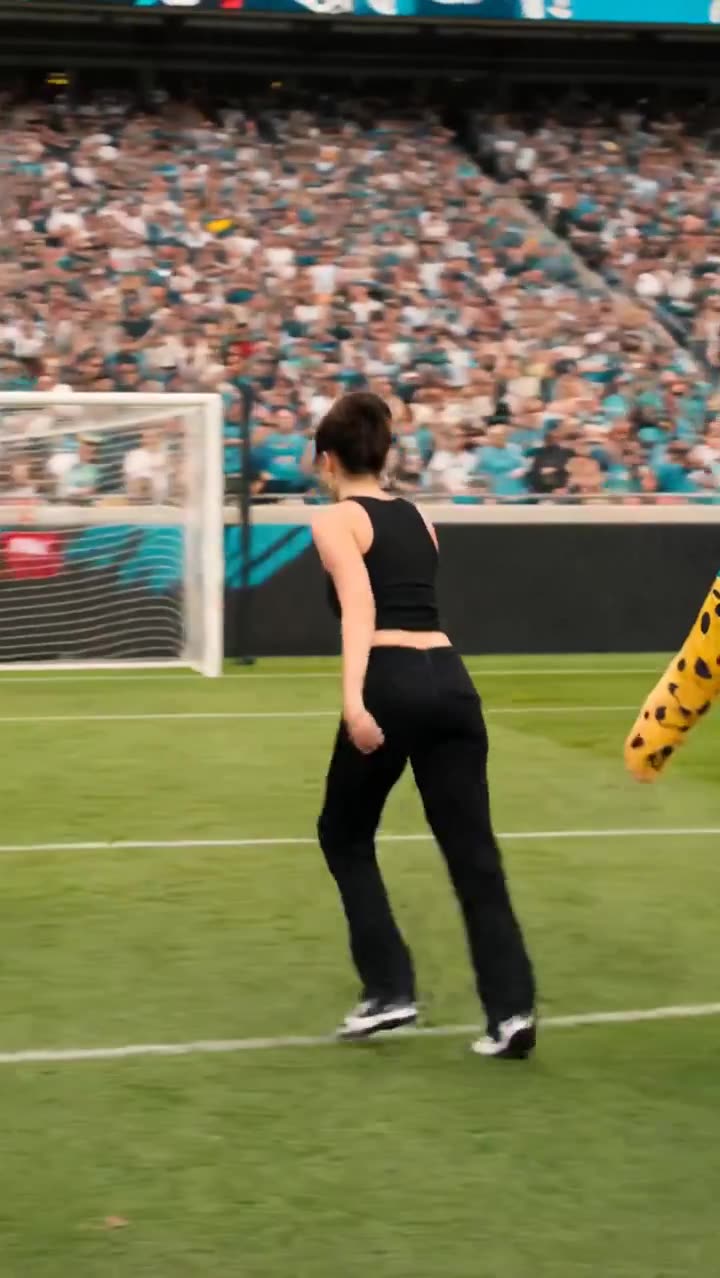
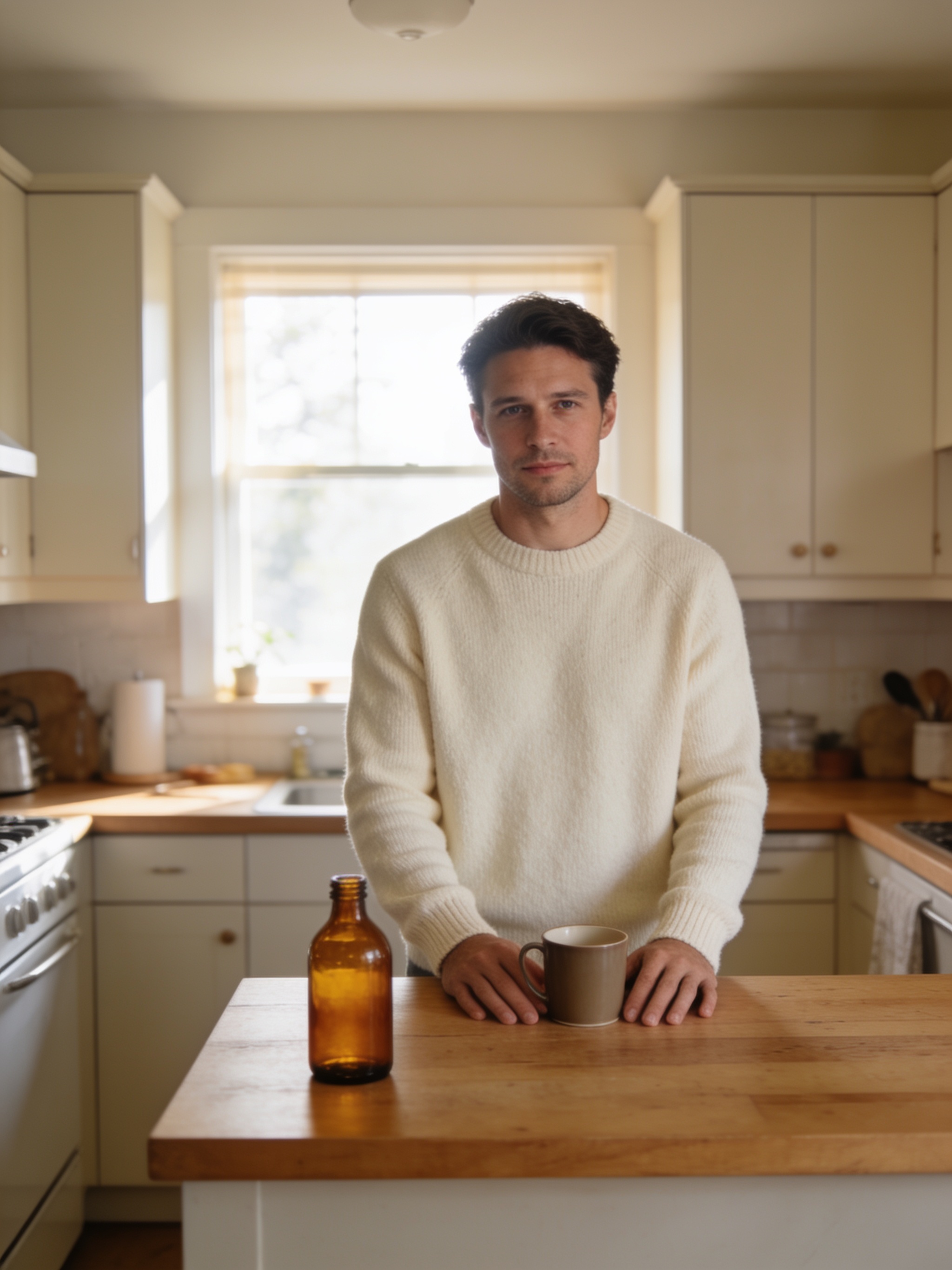
The directing agent
Vibe Direct
One brief in. A finished, edited video out.
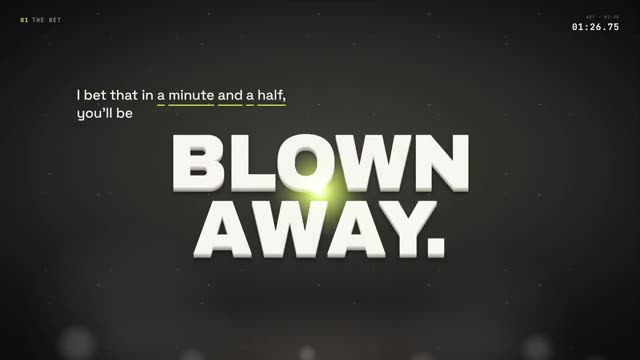
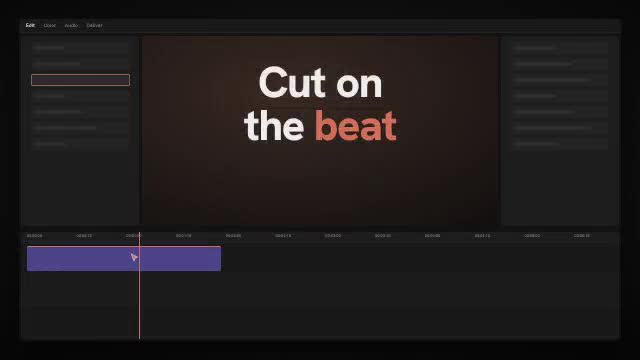
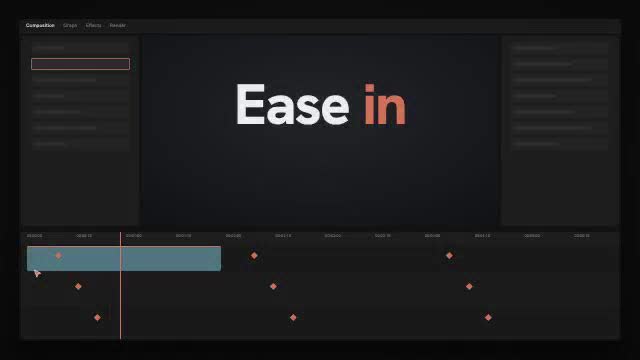
Tell Vibe Direct what the video is for and answer three questions. It writes the shot list, sends each shot to the studio that suits it, then cuts the shots to the beat, adds titles and sound, and grades the result. The plan sits on a storyboard beside the chat, so you can change any shot before the cut.
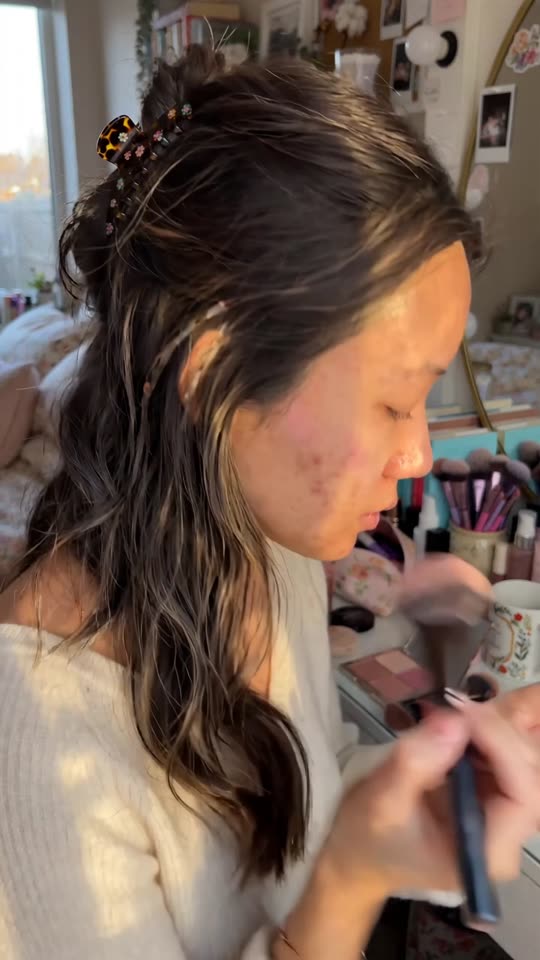
- 19 quick starts: trailers, promos, kinetic pitches, UGC ads, micro dramas, music videos and more
- 16 motion graphics looks, rendered in code and checked frame by frame
- 9,000+ effects, transitions and sounds in the cut desk
- Kinetic titles that land on the word as it is spoken
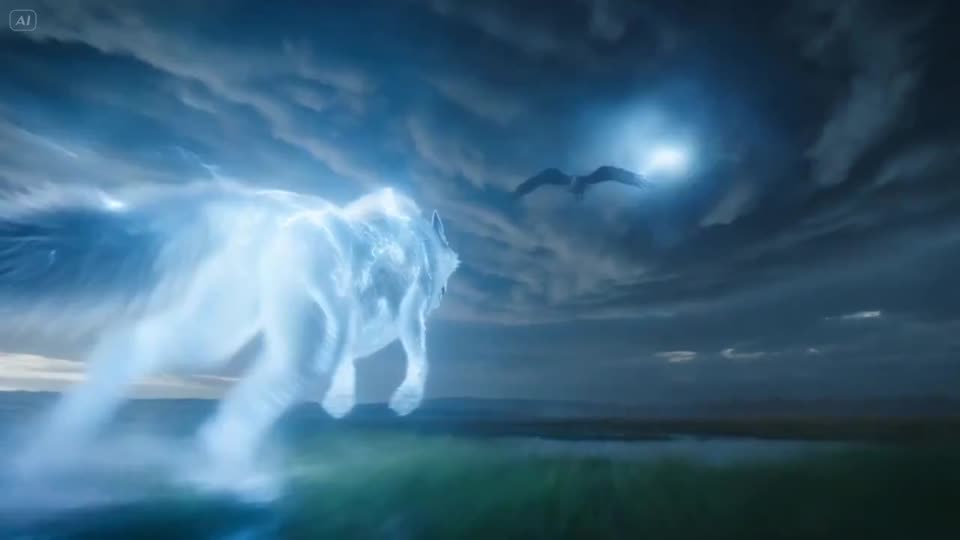

Recast any clip
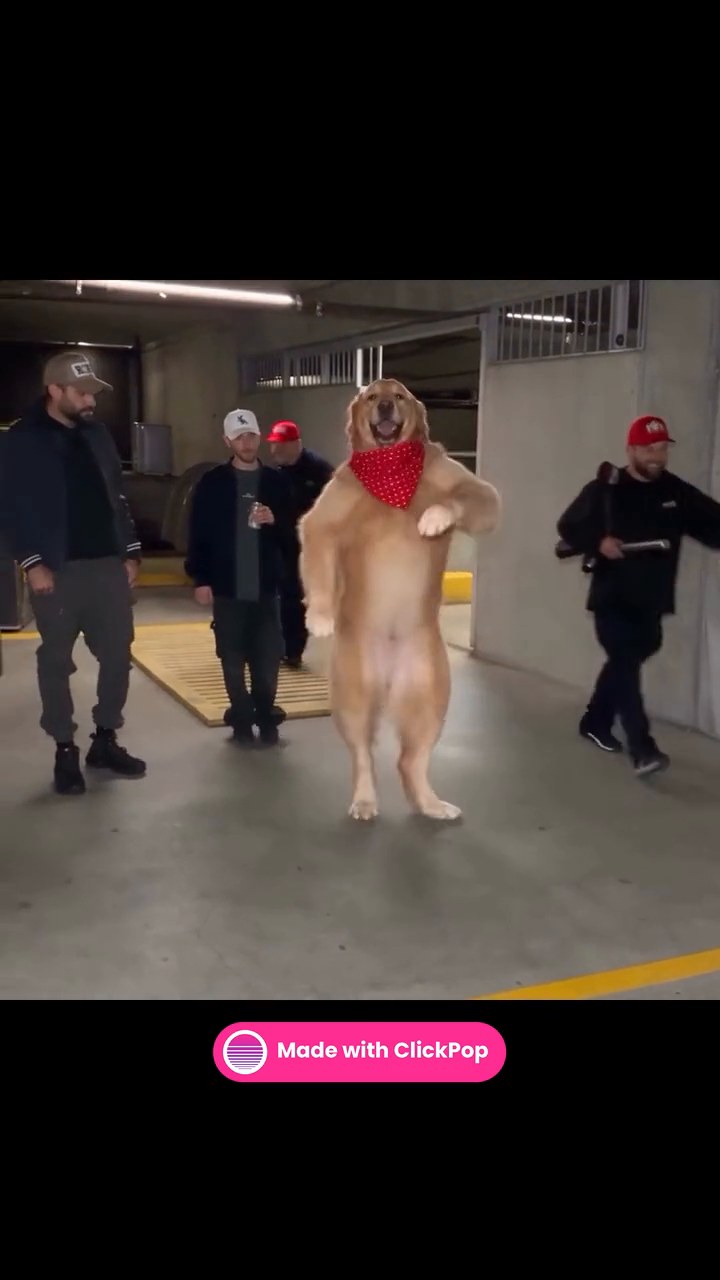
Character Swap
Your character, in any clip. Everything else stays.
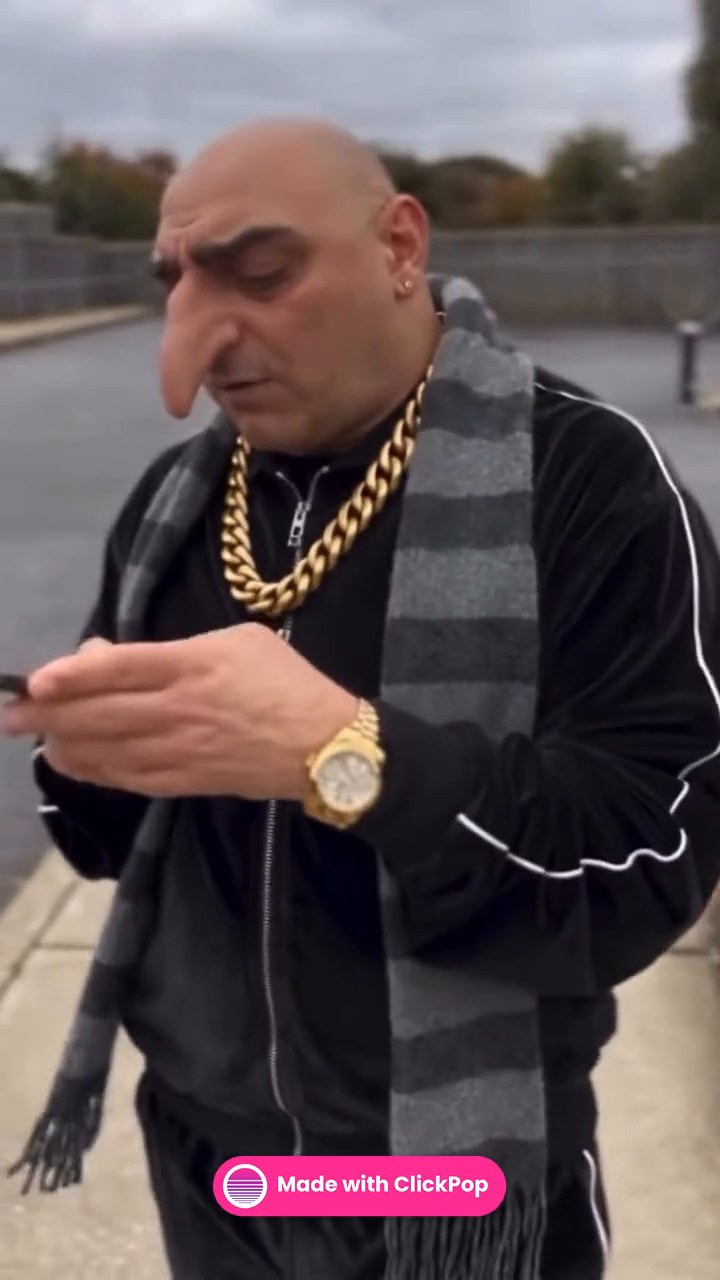
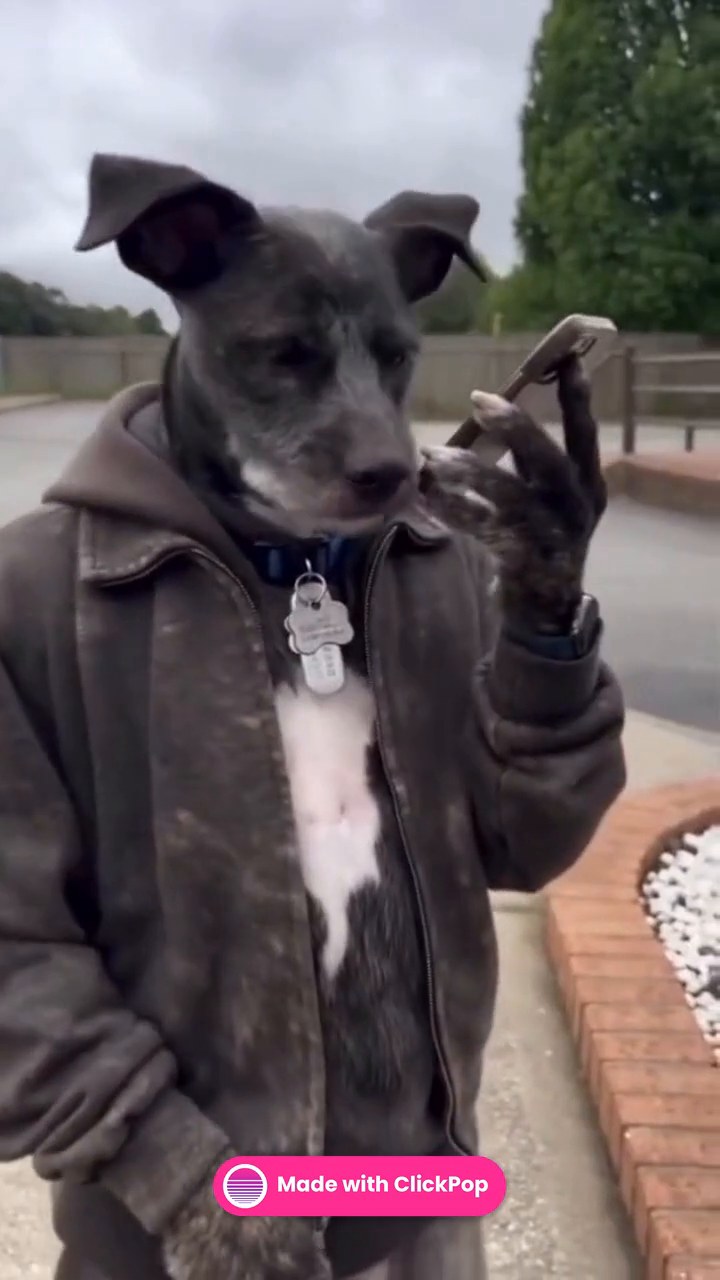
Pick a clip and a character. Character Swap replaces the person, animal or object in the clip with yours and keeps the motion, the camera and the sound. Say when the swap should happen in plain words, like “from 0:03 to 0:06”, and only that part changes.
- Swap a person, an animal or an object
- Motion, timing, camera and audio come from the original clip
- Up to four people in one clip, one photo each, on the models that support it
- Open on every plan
Preview in 3D first
Dreamstage
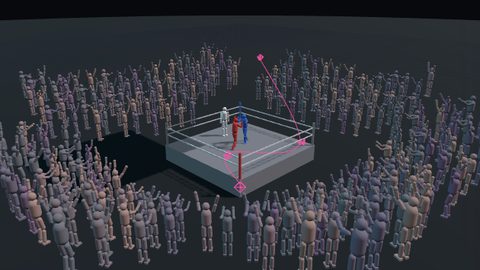
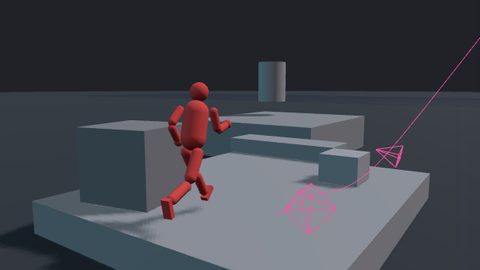
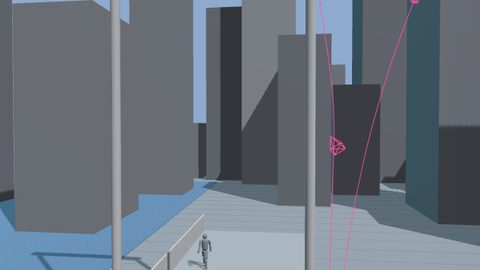
See the shot as a 3D preview, then make it real.
Type one line and Dreamstage builds a rough 3D version of the shot: the set, the actors and the camera move. Fly the camera like a drone or a crane until the framing is right. Make it real then films that exact shot as video, so you only pay for a shot you have already seen.
- Sets, crowds and props from one line
- Drone, crane and handheld camera paths you can edit
- Films the final shot on Seedance, Veo or Kling
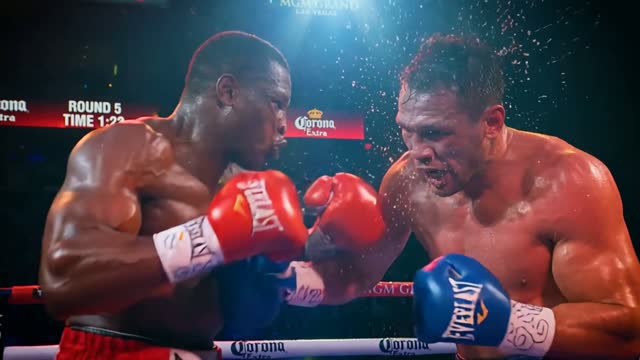
Direct it shot by shot
Film Studio
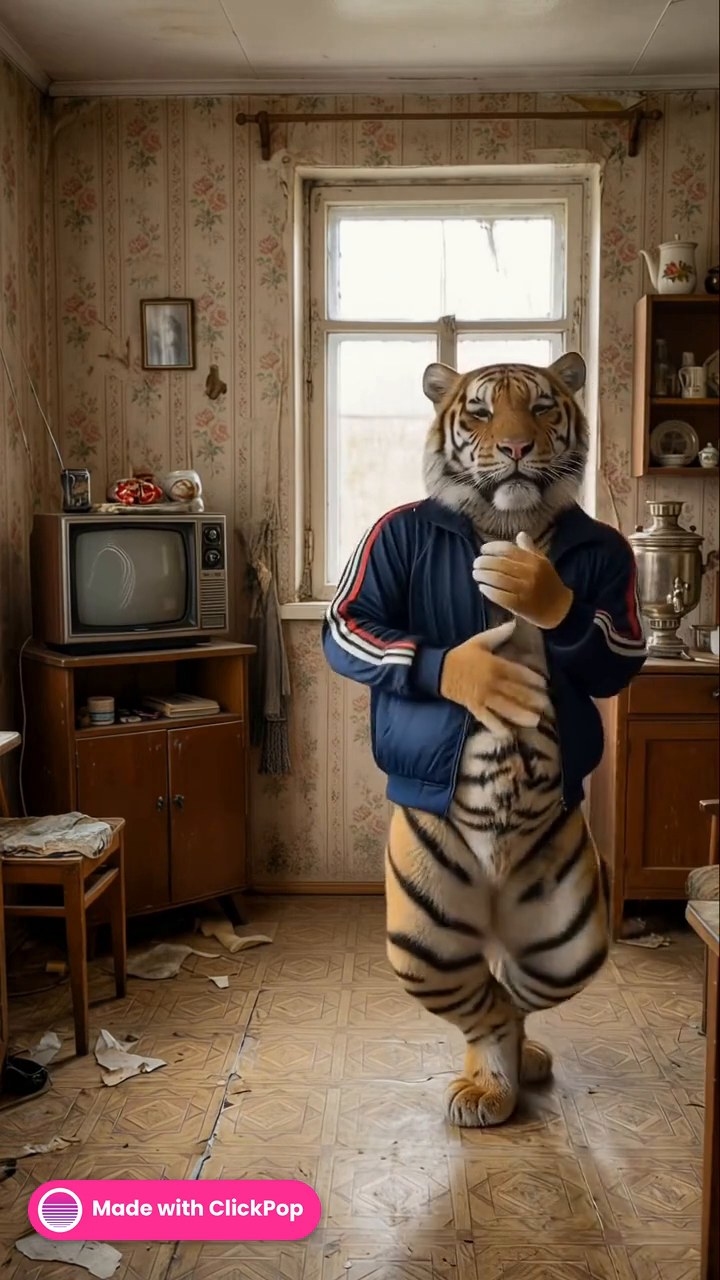
Real camera language in every shot.
Film Studio writes each shot the way a director of photography would call it: the camera body, the lens, the focal length, the aperture and the move. Shots are cut in order, and the colour grade you pick is baked onto the finished film.
- 16 camera bodies and 12 lenses, from IMAX film to an iPhone
- 430 colour grades and 54 lighting setups
- 16 camera moves, from a slow push to a whip pan
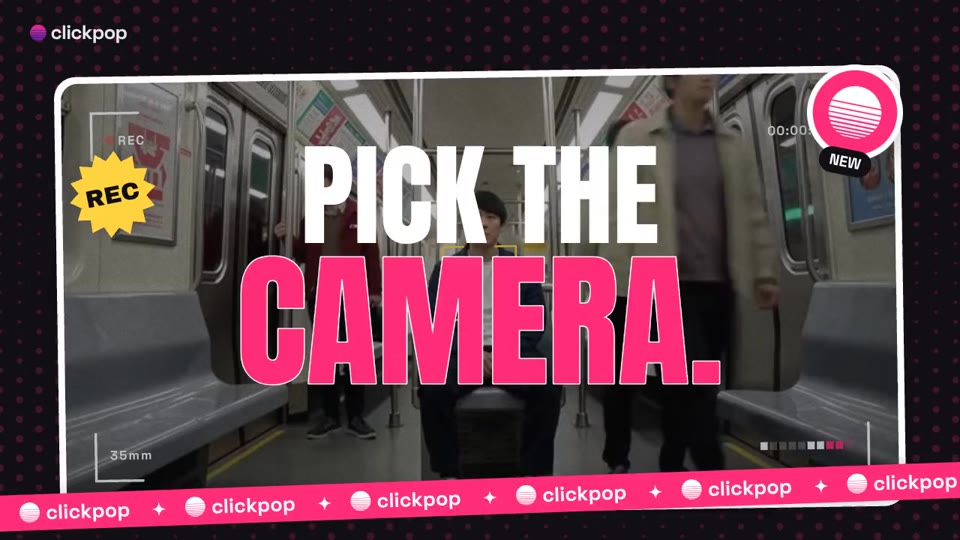
Presets
Grades, light and camera moves
Pick a look once and every shot follows it.
430 colour grades (film stocks, cinematic looks, darkroom processes, eras and places), 54 lighting setups, 16 camera moves, 54 visual effects and 13 prompt recipes. Pick them in Create Video and Film Studio. Drag the line to compare a frame before and after a grade.

 OriginalKodak Vision3 500T
Lighting setups
Camera moves
Colour grades from Lightroom-Presets by peva3 (MIT) and AI Cinema Studio Engine by PopTech Studio (MIT). Film stock names describe the look emulated; no affiliation. Camera moves, lighting and effects adapted from AI Cinema Studio Engine by PopTech Studio (MIT). Prompt recipes adapted from Awesome Seedance by LearnPrompt (CC BY 4.0).
Drawn in code
Motion graphics and infographics
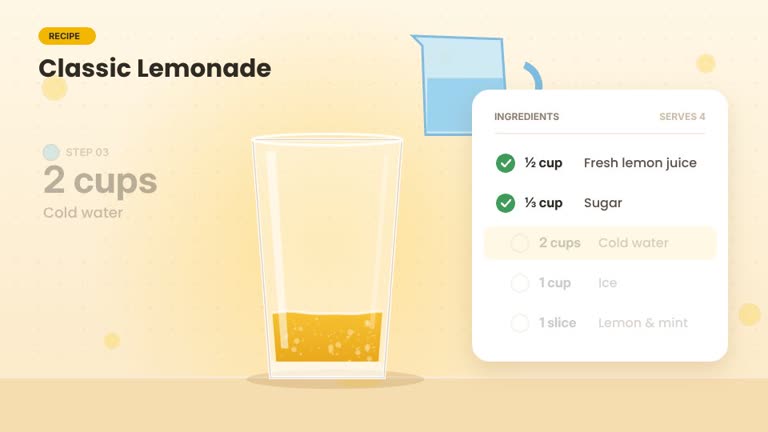
Every word and number on screen is exactly what you wrote.
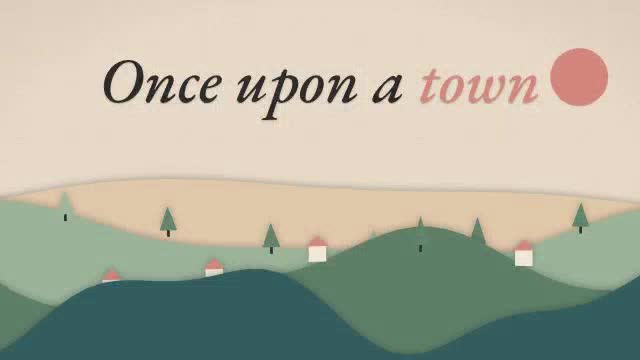
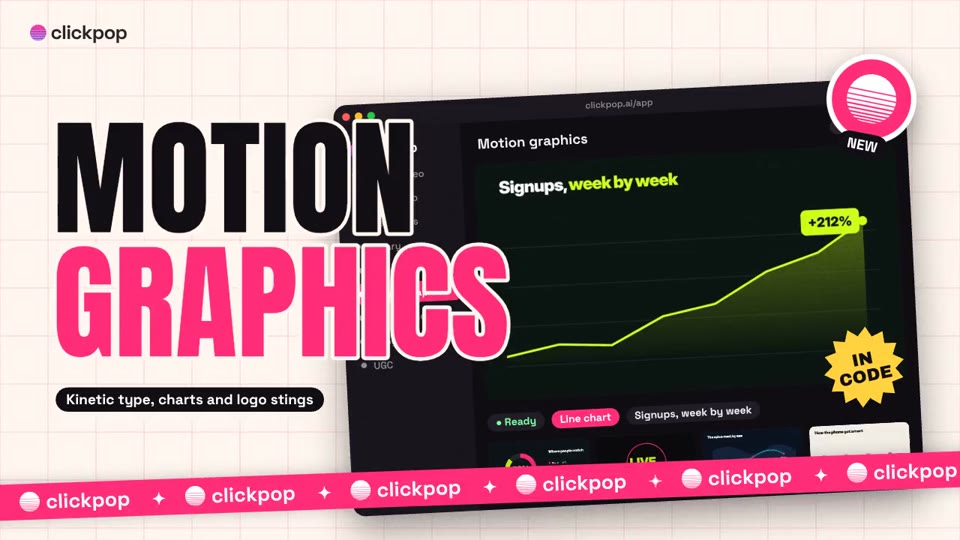
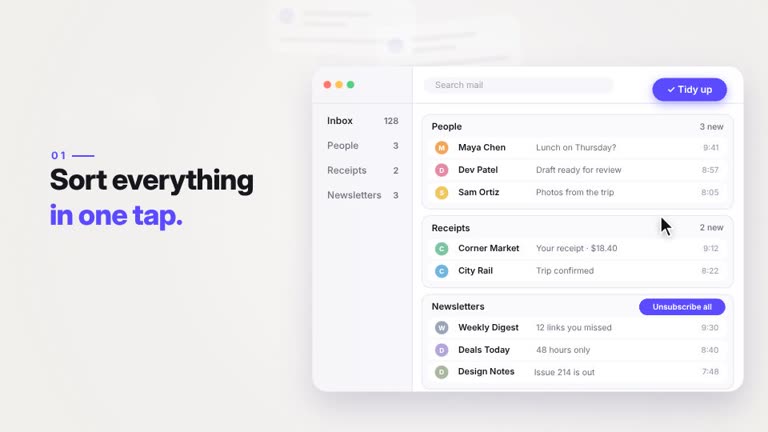
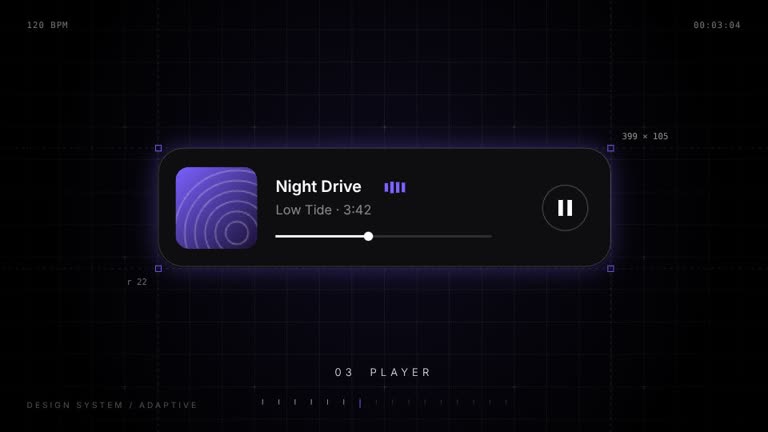
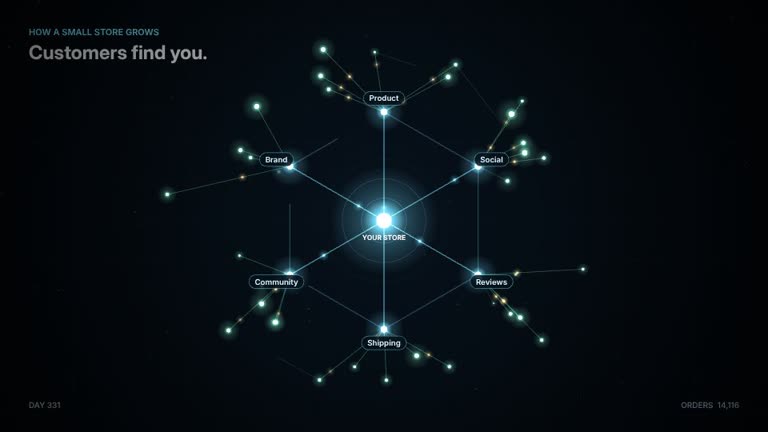
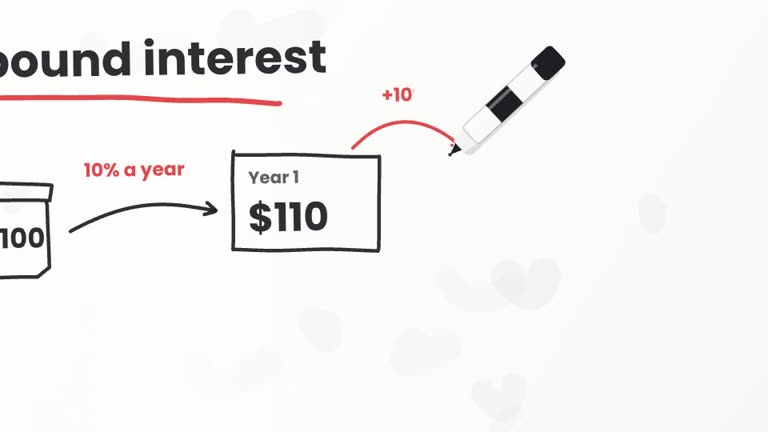
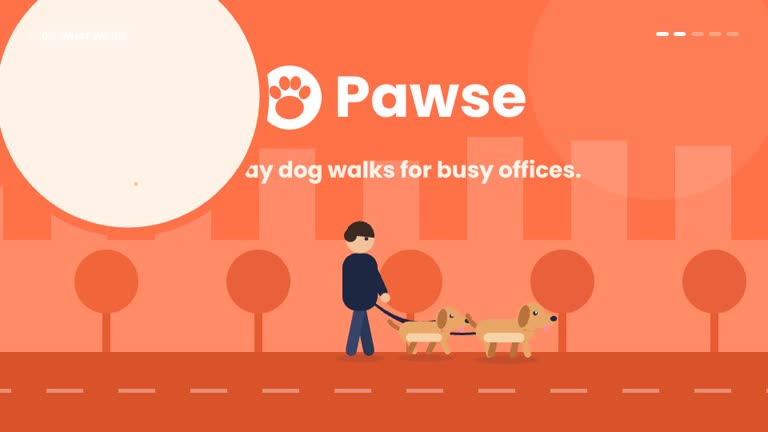
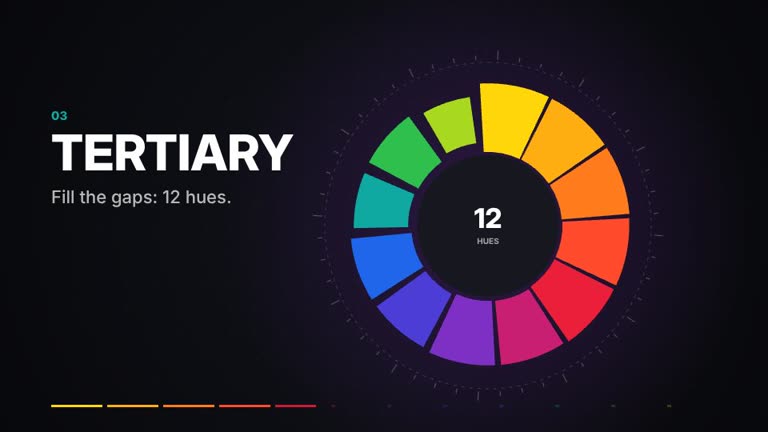
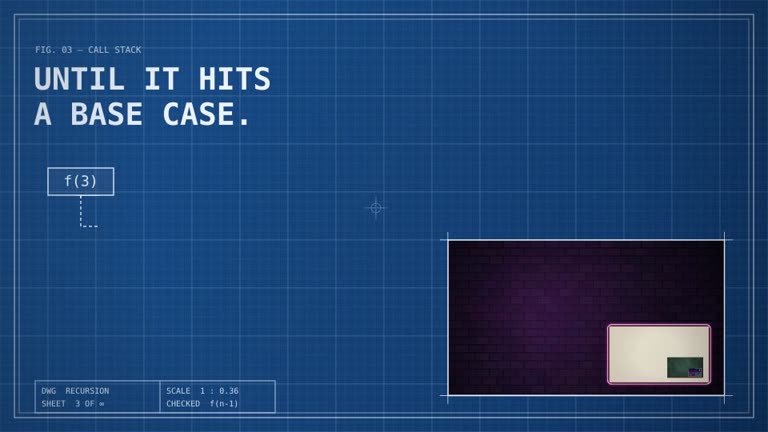
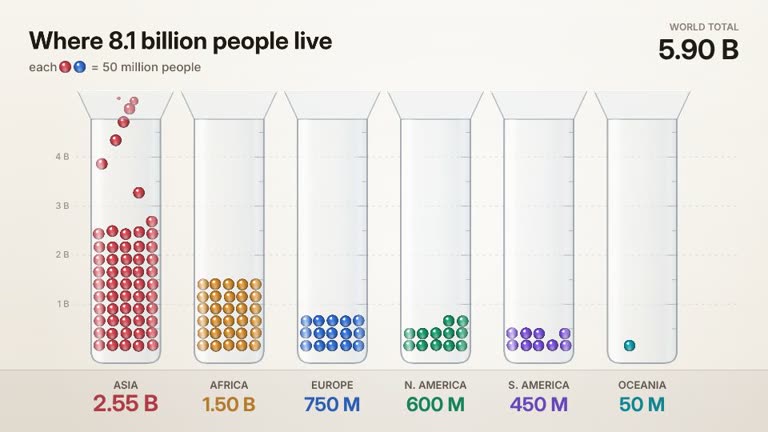
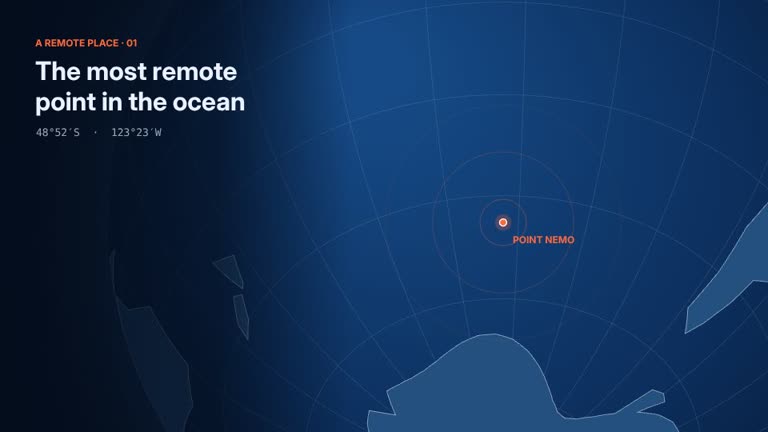
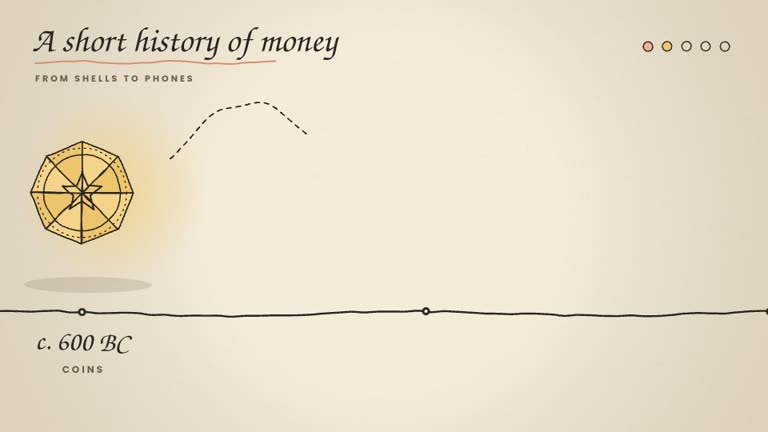
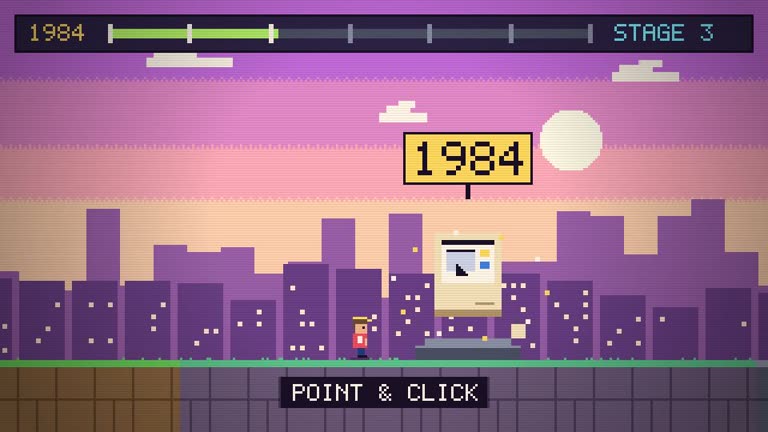
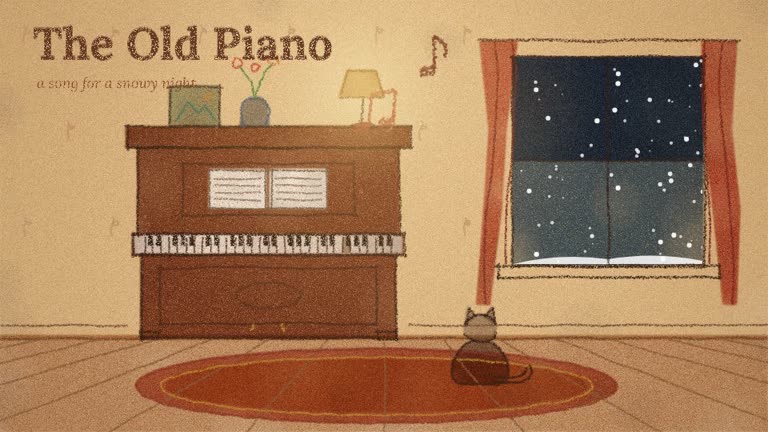
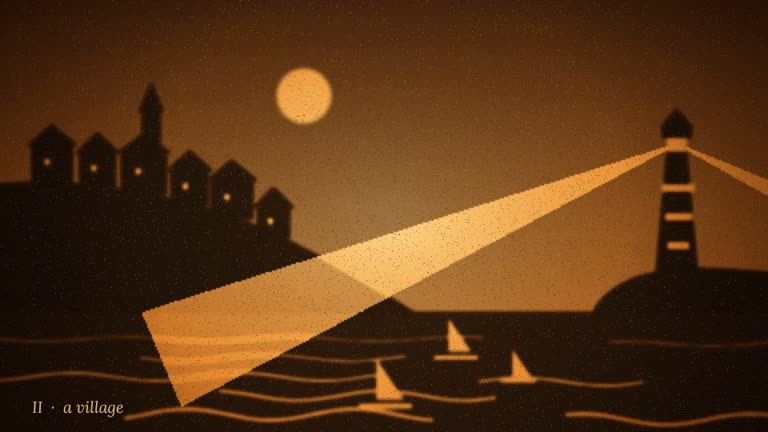
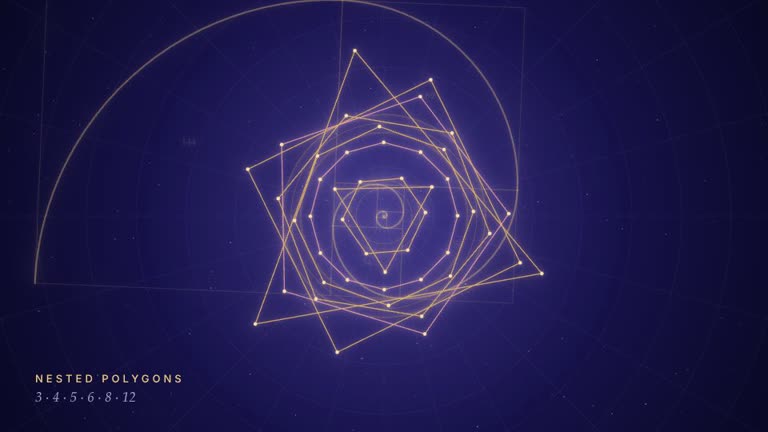
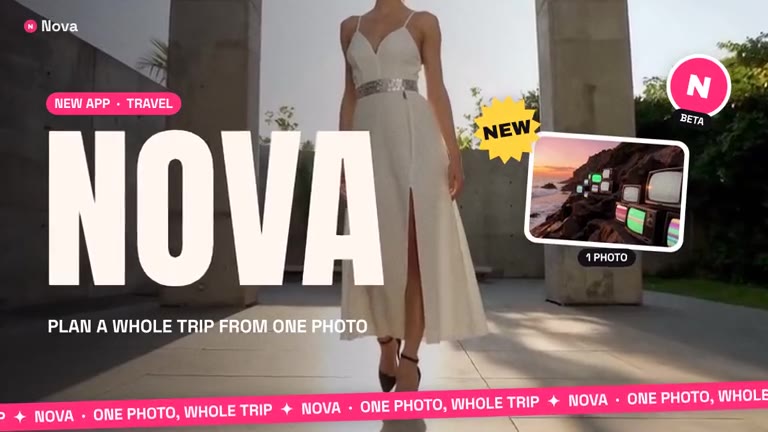
Explainers, infographics, motion graphics and code video formats are animated in code from your script instead of being guessed by a video model. Text stays sharp, charts use your real numbers, and the narration and captions are timed to the picture.
- Bar races, funnels, donuts, maps, timelines and versus cards
- Kinetic type, lower thirds, logo stings and price cards
- 27 code video formats: showreels, launch films, recipe builds, whiteboards and more
- Vertical or widescreen, in your brand colours

Singularity Engine
Synapse
Say what you want. Approve the price. It does the rest.
Synapse is the agent that runs the whole studio for you. It plans the film, picks the studio and the model for each step, and shows you an approval card with the exact credits before anything spends. Once you approve, it watches the renders and puts the results in your library.
- Every studio, reachable from one chat
- Exact credits on every approval card
- Finished files land in your library

From brief to film
Productions
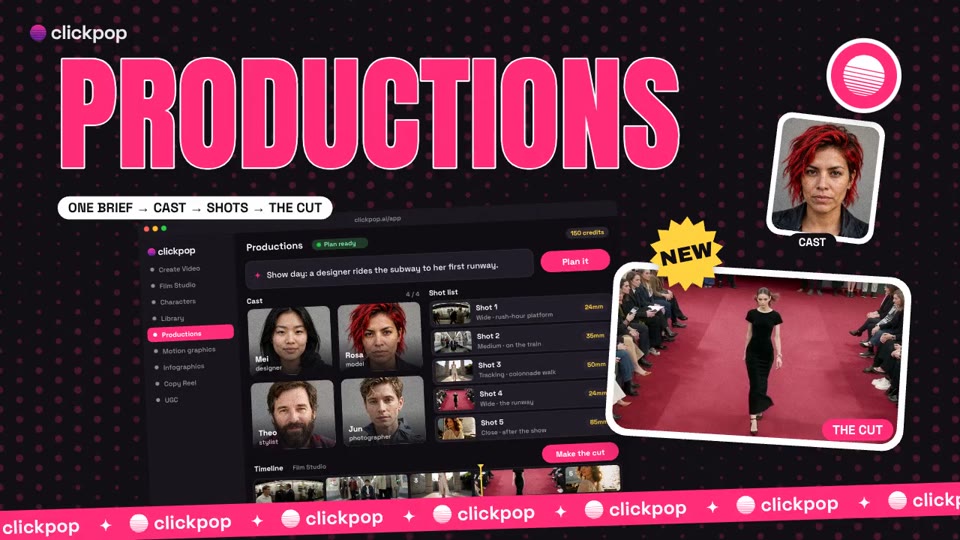
One paragraph in. A cast, a shot list and the cut out.
Productions plans a whole piece the way a crew would. It writes a sheet for every character, prop and place and draws a reference for each, then directs every scene with positions, beat timing to the half second, dialogue and sound. Each scene renders in the studio that fits it, and the shots are cut together in order.
- Character, prop and location sheets drawn first
- Positions, beat timing, dialogue and sound for every shot
- Each scene rendered in the studio that fits it
Characters
The same face in every shot
Design a character once. ClickPop keeps them.
Every character has front, three-quarter and profile references on file, and they ride along with every shot on whichever model it runs on. Some models refuse reference photos, so ClickPop plans for that. Here is what happens to a shot, in order, when a model says no.
- 1Your referencesEvery shot is sent with the photos you chose, on the model you picked.
- 2Another modelIf that model refuses the photo, the shot moves to a model that accepts it, with the same references.
- 3A checked redrawIf none will take it, ClickPop redraws the reference and only uses it if it scores as the same person.
- 4First frameThe reference becomes the opening frame, so the shot still starts on your character.
- 5Stop, not swapIf nothing holds the face, the shot stops and you're not charged. It never quietly renders a stranger.
Build with ClickPop