
Building visuals for an AI music artist persona
Build consistent visuals for a music artist persona: design the character, plan a music video in Film Studio, lyric and loop formats, prompts and rights.
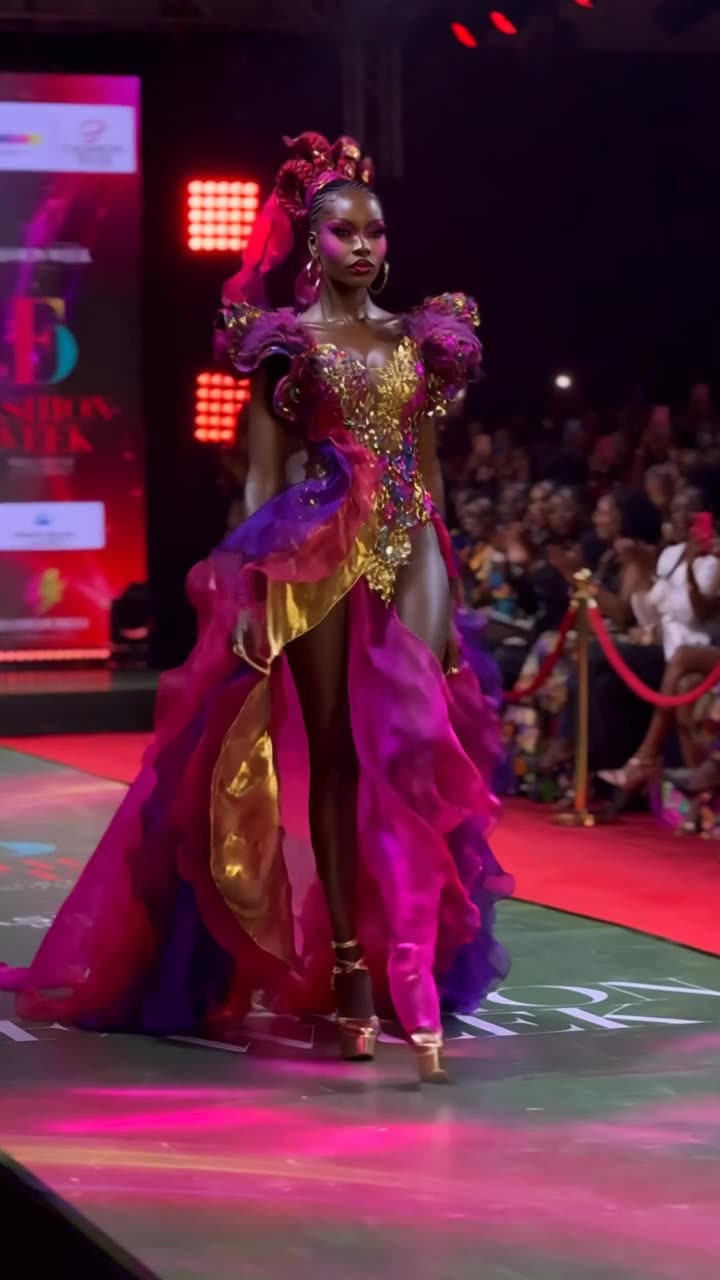
What a music artist persona needs visually
A music artist persona is a fictional on-screen identity for a project: a character, a world and a look that every release, video and post shares. AI video lets you build that identity without a film crew, and Film Studio lets you shoot it like a music video, shot by shot.
This guide is about visuals for music you have the rights to. Whether you wrote, recorded or produced it with tools whose terms allow commercial use, the music itself must be yours to publish. Visuals cannot fix a rights problem with the track.
Who the persona is for
Start from the listener, not the character:
- Late-night electronic listeners who like moody city visuals.
- Lo-fi and study-music audiences who want calm loops.
- Synth-pop fans who respond to retro color and neon.
- Folk and acoustic listeners who like warm, natural settings.
- Hip-hop and rap audiences who expect a strong, consistent character.
Match the persona's world to the genre. A lo-fi project and a synth-pop project need different light, colors and settings.
Look at the visuals listeners already see in your genre, then avoid whatever is most common. A lo-fi project set in a desert stands out in a feed full of bedroom windows.
Design the persona
In ClickPop's Characters studio, design a fictional adult and draw 1 to 10 reference photos: front, three-quarter, full body, close-ups and profile. These go with every video, so the face and stage outfit stay the same across singles. The persona can be realistic, stylized or masked; a recurring mask or helmet is a strong signature and avoids lip sync problems.
Write a world bible in five lines: setting (a rain-soaked coastal city at night), palette (teal and amber), recurring object (a red umbrella), mood (lonely but warm), and one rule (the persona never smiles on camera). Every visual should obey it.
Do not base the persona on a real artist's face, voice or name. Real people's likeness without permission is not allowed, and it confuses listeners.
Visual formats a music project needs
- Cover art and short looping visuals for streaming and social.
- A music video built from 10 to 30 short shots.
- Lyric videos with kinetic type.
- Performance clips: Motion Control applies moves from a reference dance or performance clip you have rights to.
- Teasers: three to five seconds of the strongest shot plus the release date.
For lyric videos, use Faceless Studio's kinetic type. Text is drawn in code, so every word is spelled correctly, which AI video models still cannot promise.
Plan a music video in Film Studio
Film Studio lets you pick camera body, lens, focal length, aperture and the move for each shot, then cut the shots into one graded film. A worked plan for a three-minute track:
- Intro (0:00 to 0:20): three wide establishing shots of the city, 24mm lens, slow push-ins.
- Verse 1: medium shots of the persona walking, 50mm, tracking alongside.
- Chorus: close-ups at 85mm with shallow aperture, slow orbit, neon reflections.
- Verse 2: new location in the same world, such as a rooftop, same palette.
- Bridge: one long take. Wan 3.0 handles takes up to 30 seconds at up to 1080p.
- Final chorus: fast cuts of earlier shots, matched to the beat.
Pick one grade from the presets (430 options, including film stocks and eras) and apply it to all shots so the video looks like one piece. Models that render at 720p can be upscaled to 1080p or 4K in ClickPop.
Five video ideas with sample prompts
- Red umbrella walk. Prompt: “The persona walks alone down a wet neon-lit street at night holding a red umbrella, teal and amber palette, 50mm lens, tracking shot at shoulder height, rain falling.” Try it
- Rooftop chorus. Prompt: “Close-up of the persona on a rooftop at night, city lights behind, hair moving in the wind, 85mm lens, shallow depth of field, slow orbit.” Try it
- Streaming loop. Prompt: “The red umbrella resting against a rain-streaked window, neon light flickering, looping shot, static camera.” Try it
- Lyric video. Faceless Studio: “Kinetic type of these lyrics [paste lyrics], words appearing on the beat, teal and amber, risograph texture.”
- Release teaser. Prompt: “The persona turns toward camera under a flickering streetlight, the light cuts to black, 35mm lens, slow push-in.” Add the date in captions.
Partners and income sources
Income for music projects comes from streams, licensing, live shows and merch rather than from video platforms alone. Partners that fit: music gear and plugin makers, distribution services, headphones and audio brands, and music education platforms. Merch featuring your persona works well because you own the design.
Streaming and distribution platforms have their own rules on AI-generated music and artwork. They change often, so check each platform's current policy before you release.
Release visuals in the same order every time: a teaser one week out, the cover loop on release day, the full video a few days later, then short cuts of the best shots in the weeks after. A fixed rollout means you plan shots once and reuse them across every format.
Rights and mistakes to avoid
- Using a song, sample or beat you do not have rights to.
- Imitating a real artist's face, voice or name.
- Using brand logos in scenes. Keep cars, clothes and signs unbranded.
- Changing the persona's look between singles. Reuse the same references.
- Not labeling realistic AI visuals where platforms require it (as of October 2026, check each platform).
Questions
Can I make a full music video with AI?
Yes. Plan it shot by shot, keep the persona consistent with reference photos, use one grade for all shots and cut to the beat. Film Studio lets you set lens and camera move for each shot.
How do I avoid bad lip sync in a music video?
Use fewer lip-synced shots, favor wide shots, profiles and walking shots, or give the persona a mask or helmet. Lip sync in AI video can still look off.
Can I use the visuals commercially?
Videos you make in ClickPop are yours to use commercially. The music itself must be yours or properly licensed.